A-Spot New Workflow
A-Spot New
Workflow
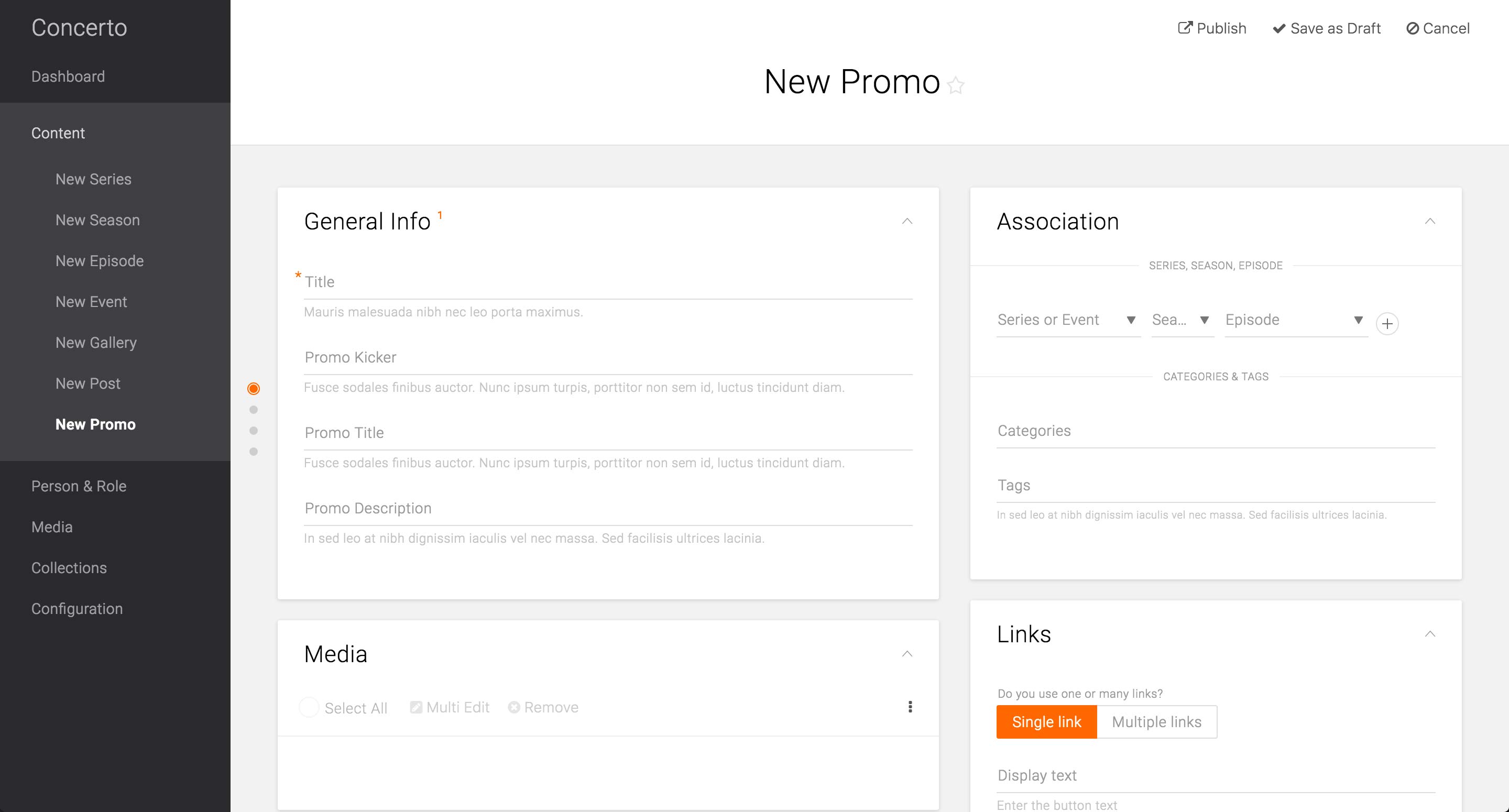
We designed and developed a prototype for Promo content type and user-tested it with producers from each brands, including USA.
In addition to the required Title field, Association card, and Media card that are common across the Content Types, Promo Content Type has a Kicker field, which is often displayed above the title of the promoted content.
It also features a separate Promo Title field, which would be the consumer-facing title. The required Title field would be only used for the internal searching purposes.
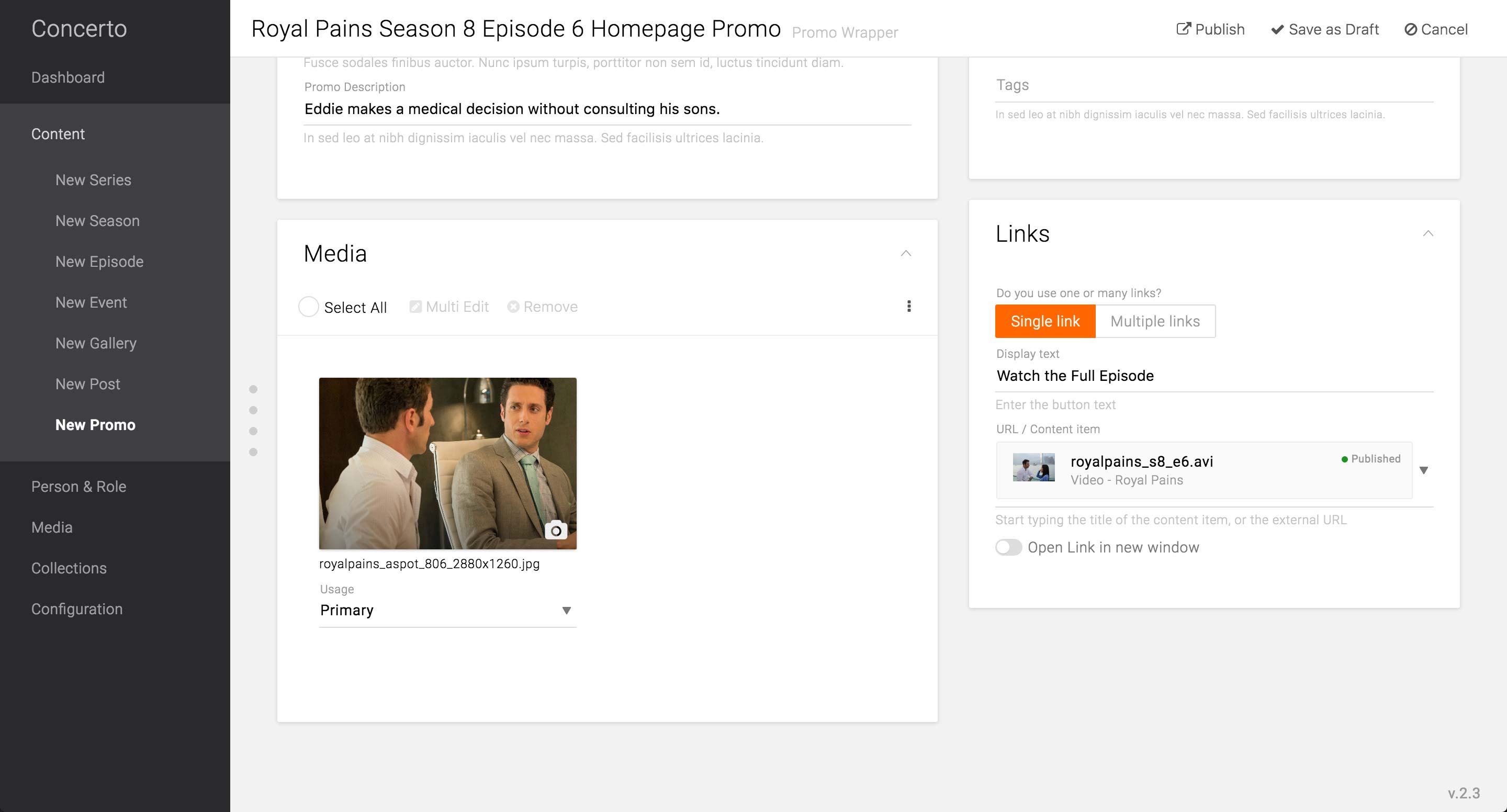
Promo Wrapper page when all the basic information is filled.
The Title field is informative of what this Promo is for, while the Promo Title holds the text that would be displayed on the Promo unit on the front-end.
Since this is promoting a specific Episode of Royal Pains, the producer may choose to identify the Channel Reference, even though it is not required. This helps indexing and categorizing the content and makes it easier to search for in the library.
The image to display for the Promo Content type would be a Primary image, as it is the main and only image of the Promo Wrapper Content Type.
In the case the Promo only holds a single call-to-action button, producer can choose Single link option and enter the appropriate label for the button. In the URL / Content item field, she can either choose from the existing content type or enter a URL for the button to link to. There is also an option to select to open the link in new window.
The selected content type will display the published state in order to avoid mistakes of publishing the Promo Wrapper with unavailable content types.
Feature Enhancement:
Each brand should be able to configure the options in image usages. Currently, the tech leads have the ability to expose or hide options via Structure menu.
The focal point on different platform sizes and the see-ahead strip can be configured in the Edit screen of the primary image. After setting the focal point on where she wants it, the producer can preview all the different image styles that specific image generates. A-spot strip and Mobile size A-spot are featured in this example.
Feature Enhancement:
In order to be an effective preview, all the A-spot previews should have text overlay.
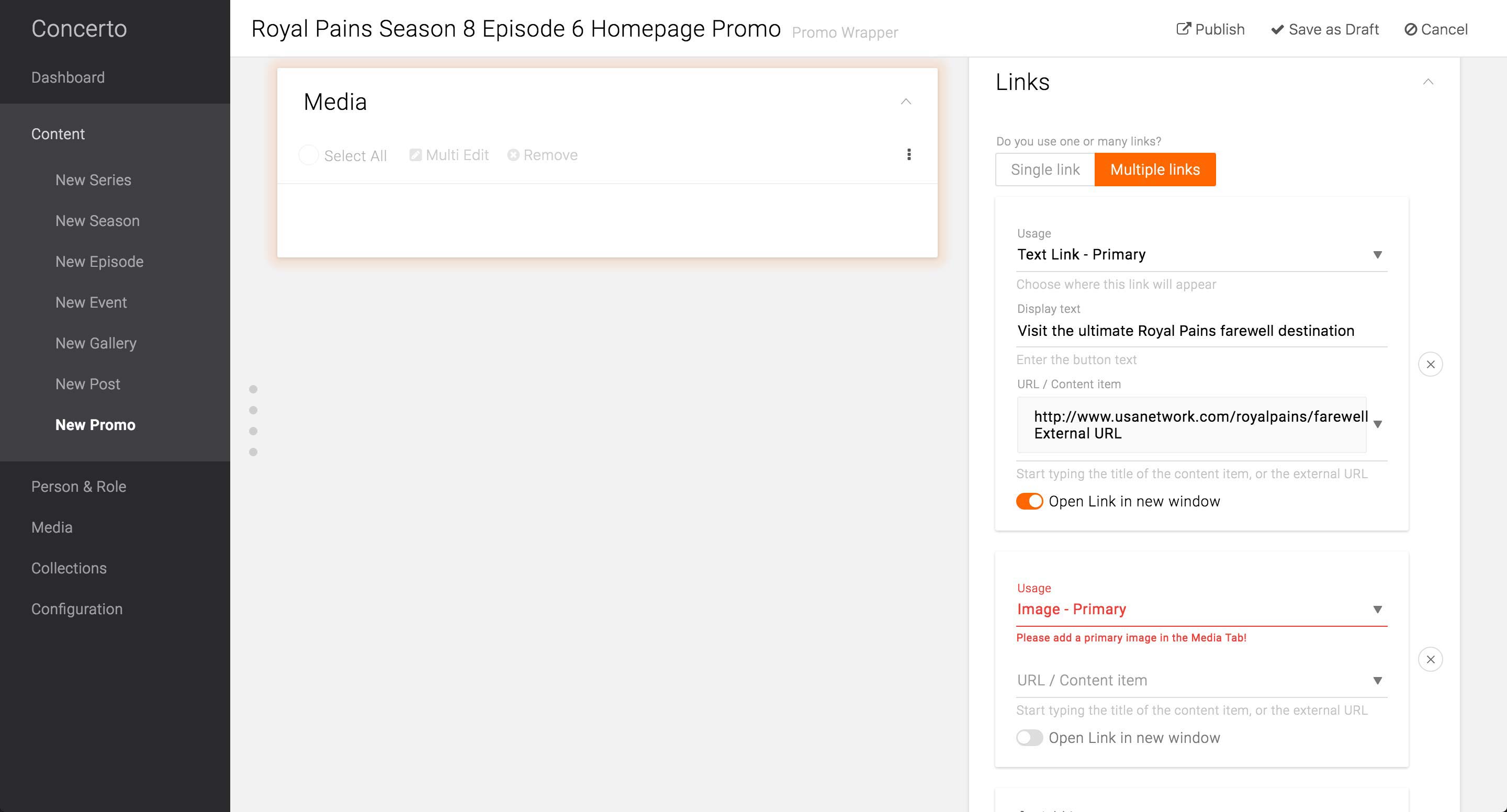
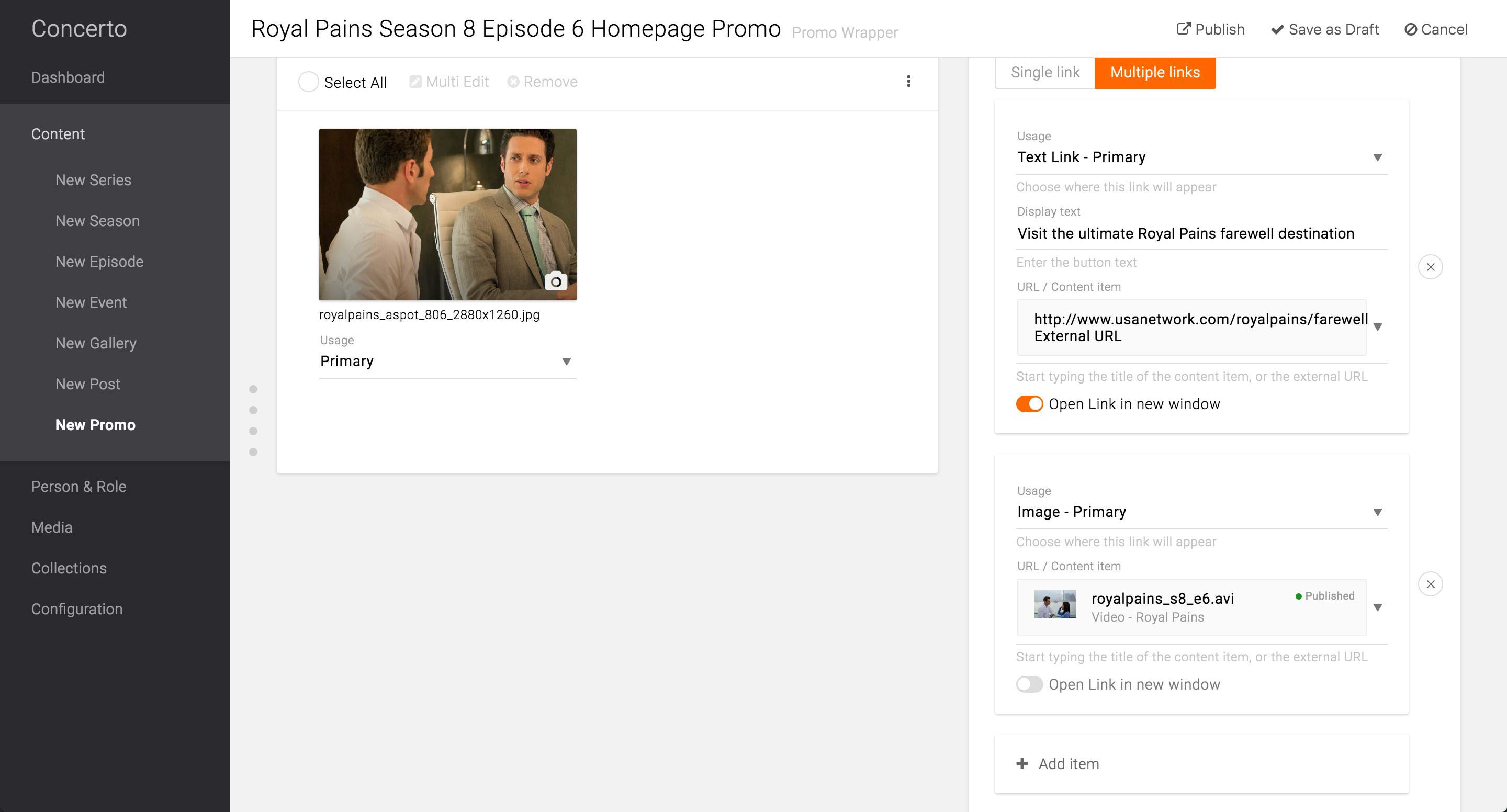
By selecting Multiple links option, producer can add multiple links to the Promo. When there are multiple links, each link should be assigned with one of the usages: call to action button, text link, or image link.
In this example, she adds another link to be a text link, which will appear as a hyperlinked text below the call to action on the front-end. This text is linked to the microsite URL, and the option to open it in the new window is selected.
When the Image Link option is selected without the corresponding Primary image set in the Media card, the field will give an error message and the Media card will pulsate to indicate that the producer needs to take an action there.
After the Primary image is selected, she can enter the rest of the information.
Feature Enhancement:
In order for the Content selection to be smooth, there needs to be more information regarding the searched Content. The issue is discussed in detail on page 11.
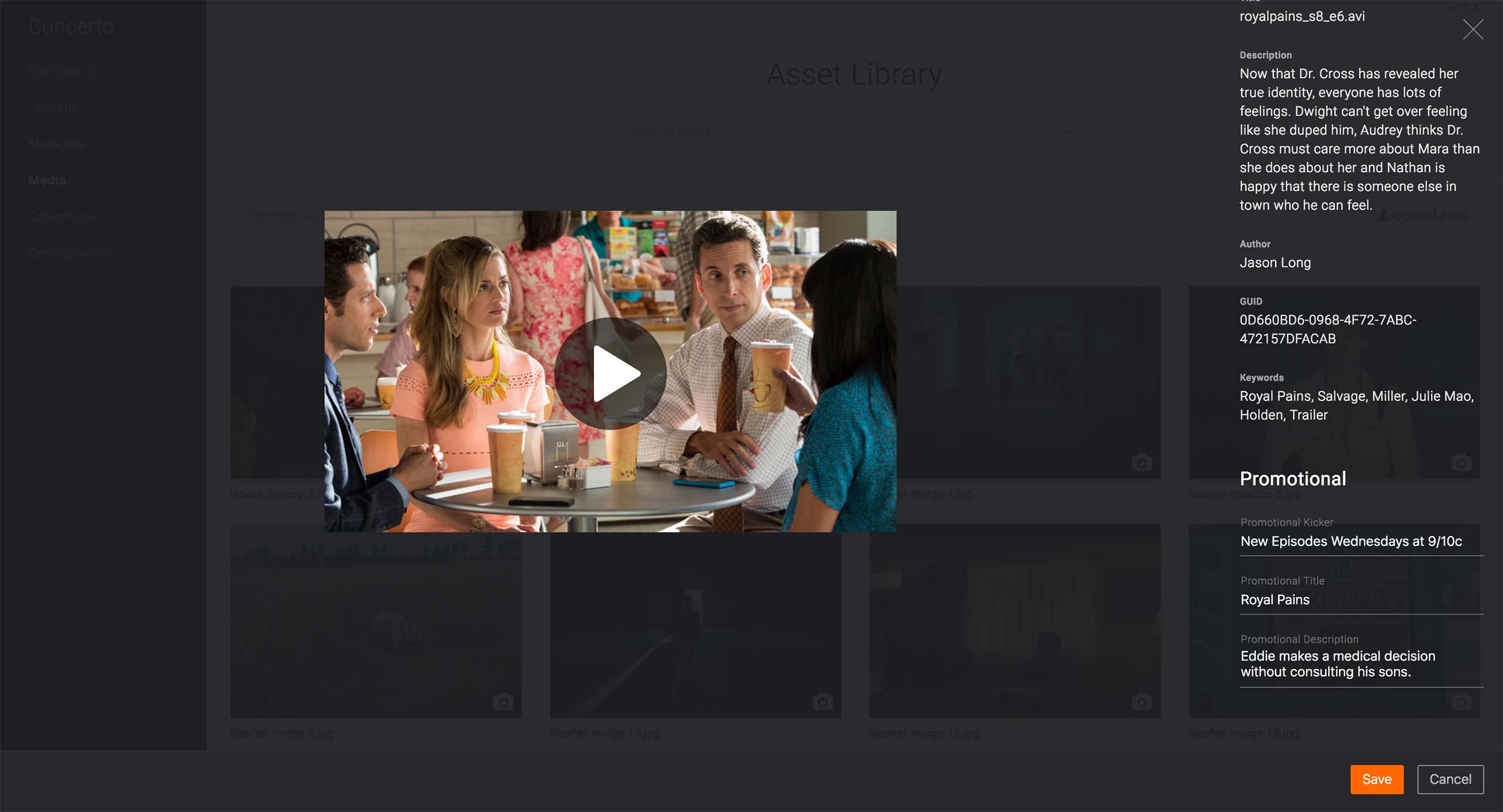
As an alternative to the Promo Wrapper, the producer may use the Promotional fields available in each Content Type or Video Metadata to set the Promotional information.
This applies only in the case where 1. The link goes to a Content’s or a Video’s page AND 2. There is only 1 call-to-action needed. If the A-spot unit needs to 1. Link out to an External page OR 2. have more than 2 call-to-action, Promo Wrapper should be used.
View Promotional Card
View Asset Library
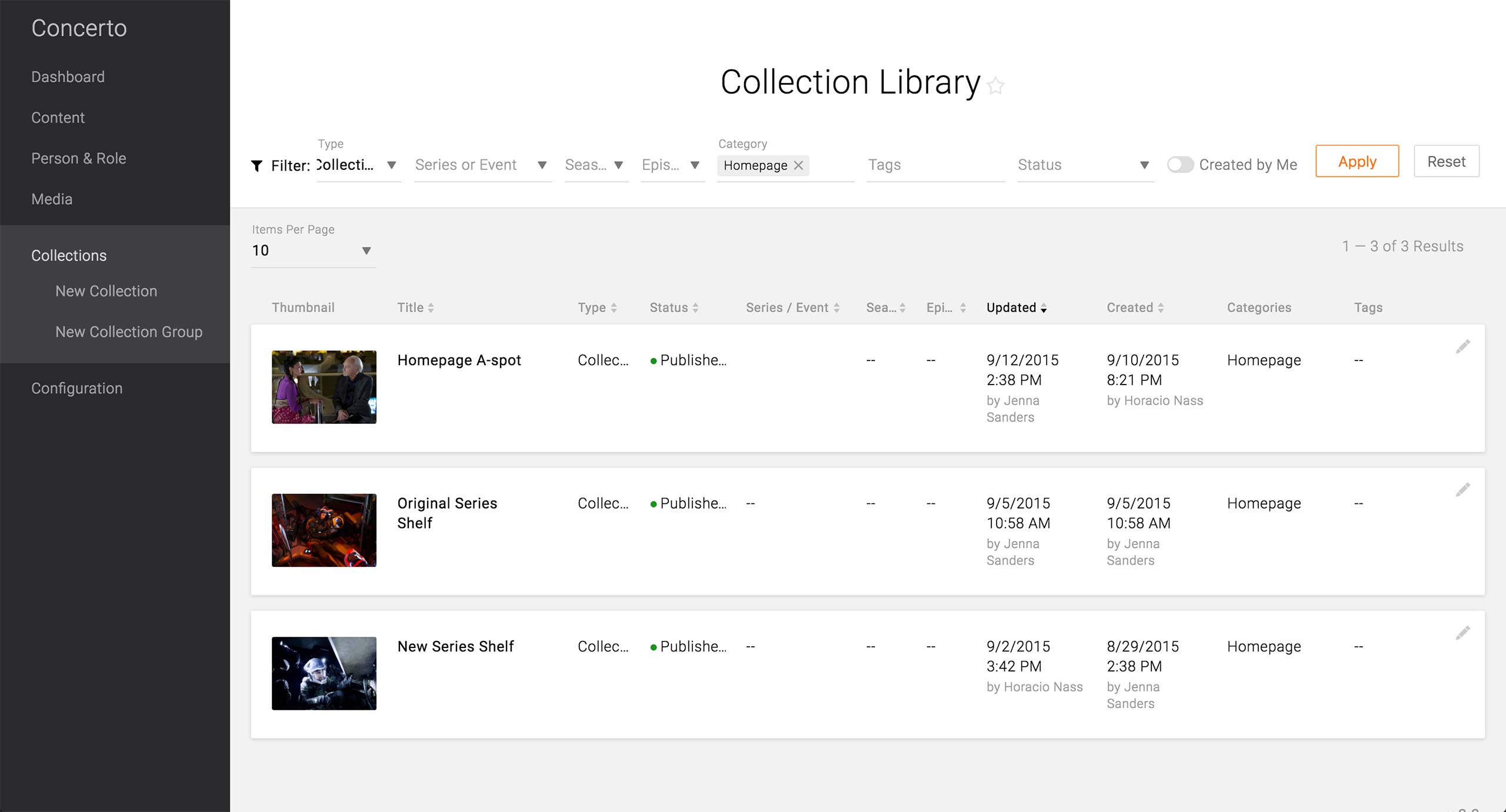
After creating all the Promo Wrappers and/or entering the Promo information in Contents, the producer has to update the Homepage’s A-Spot. The quickest way is to find the Homepage A-spot Collection in the Collection Library. The producer needs to know the right filter and the Title of the Collection in order to use the Collection Library.
Feature Enhancement:
In the future, it is vital to offer a keyword search in the Libraries. Currently, all the Libraries’ result can only be narrowed down by Filters. This makes it difficult to retrieve Contents that do not have Channel Reference, Category, or Tags. Producers may now start adopting the habit of making the appropriate Associations, but the massive amount of content that already exists would not have those association upon migration, not to mention the fact that not all content to be created after launch might have appropriate associations to make.
View Collection Library
If the Collection Library does not work, the producer can go to Global Configuration to find the Homepage’s Collection Group.
Design:
The Global Configuration page that holds all things global - e.g. site logo, navigation settings, homepage content, etc. - was built in D7 and D8 as well as in the API, but the UX design team needs to work on the design and experience of the Configuration pages.
Feature Enhancement:
The producers should be able to jump to the edit screen of the Collection Group or Collection in context.
After the producer chooses the Edit option, she can go into the corresponding Collection Group edit screen.
View Collection Group
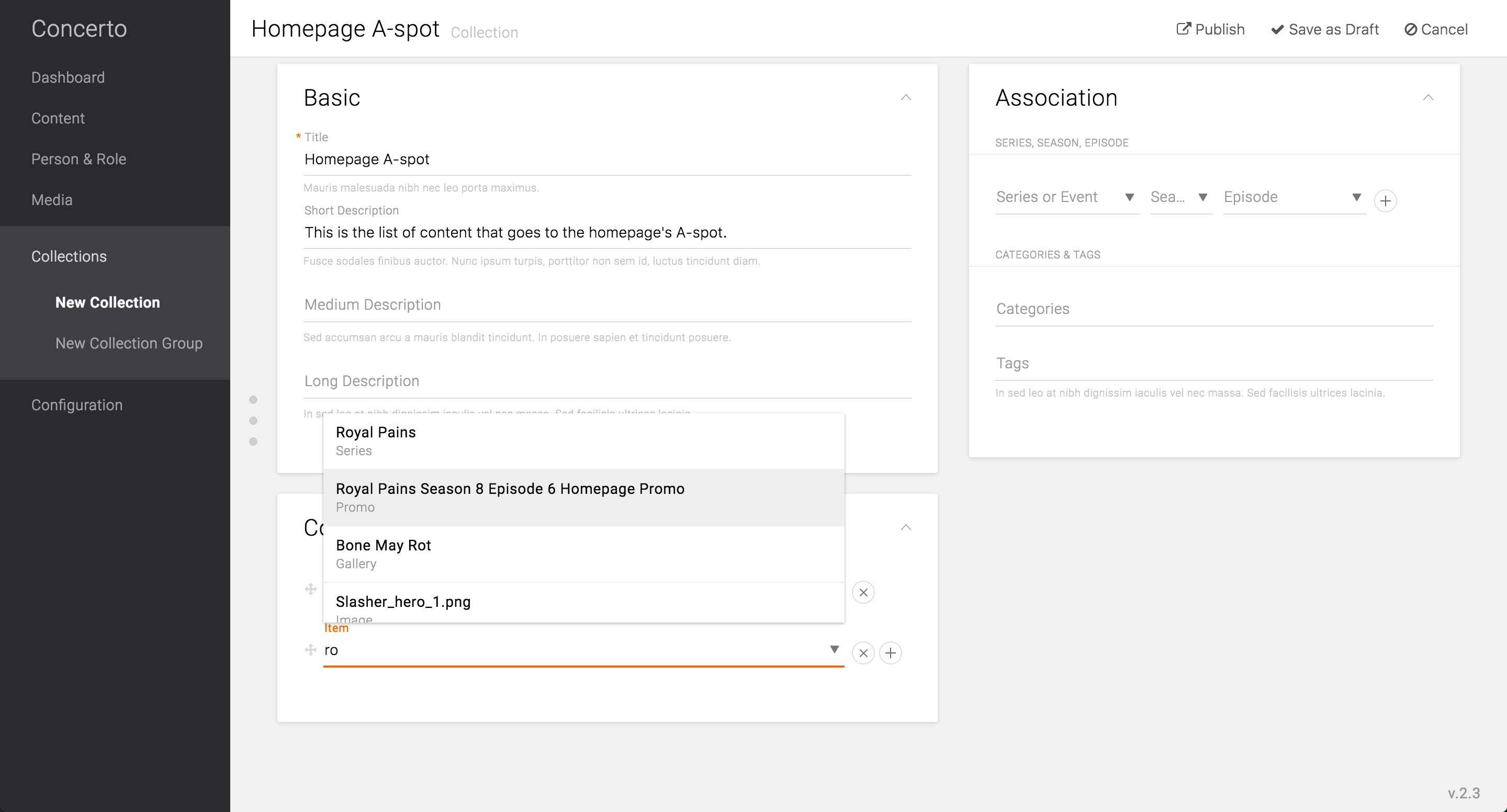
Going into the edit screen of the Homepage’s A-spot Collection, the producer can choose the Promo Wrapper by start typing the title.
Feature Enhancement:
The item search in Collection needs to offer more information than just the title and the content type, as well as the option to further filter down the result. As Promo Wrappers’ titles would be consumer-facing, the titles may be quite generic, like the title of the series as in the example. Thus, there can be multiple Promo Wrappers and Content Type itself that have the same title, and it would become impossible to distinguish one from the others. There should be a thumbnail, unique number ID, date created/modified, and/or the creator/modifier in order to distinguish the items from the massive library of content.
Alternatively, each content type can have “Administrative Title” that is only for internal search purposes. Then the producer can give unique title to the Promo Wrappers and other contents without having to name it for consumer-facing purposes.
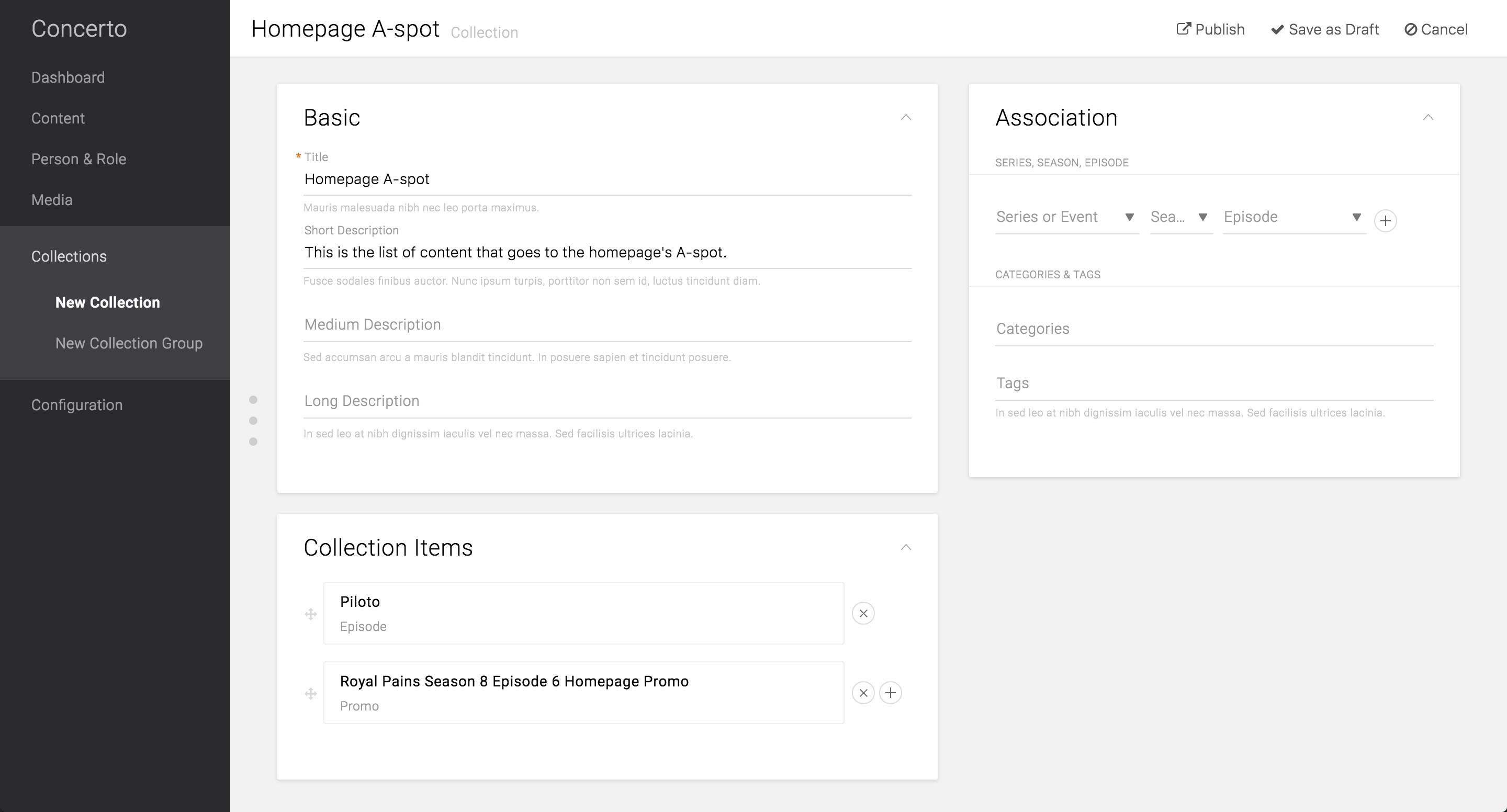
View Collection
After selecting the Contents and Promo Wrappers to promote in the A-spot, the producer would hit Publish in order to make it go live on the site.
Feature Enhancement:
Based on USA’s current use case, there is a need to schedule the time of the A-spot content to go live. This can be achieved by one of the following two options:
1. Each item can be scheduled to go into/removed from the Collection. This option reuses the “Homepage A-spot” Collection and reduces the number of Collection that lives on the CMS. The downside of this is that the producers can’t reuse the Collection that was previously up on the site. Use case of this case, however, would be very minimal, if any.
2. Entire Collection can be scheduled to go into/removed from the Collection Group. This saves all the Collections that were ever created on the CMS, thus makes it easy to retrieve the A-spot that was created in the past. However, this would create new Collection each day - USA schedules to update the Homepage A-spot every day - and eventually weigh down the CMS.
View Collection