Movie New Workflow
Movie New
Workflow
In Concerto, there is already a Content Type called Event that covers any program that is not a Series. It has the same full capabilities as a Series does.
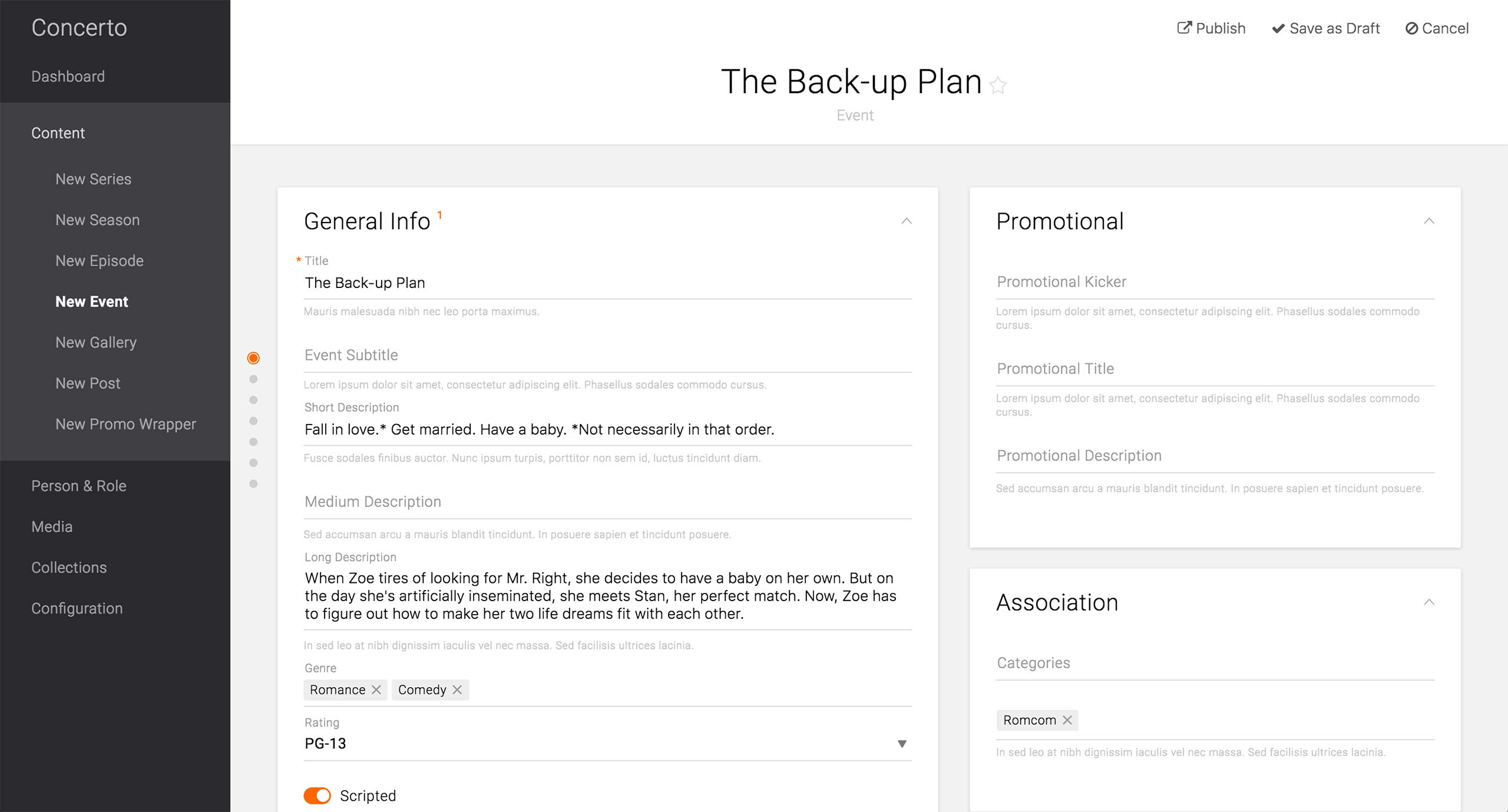
In the General Info card, producers can enter the title, subtitle, and various descriptions to fill any number of text display in the front-end design. They can also set Genre, Rating, and other relevant information that might help categorizing the movie.
On the right side, there are Promotional, Association, and Links card like all the other Content Types.
View Event
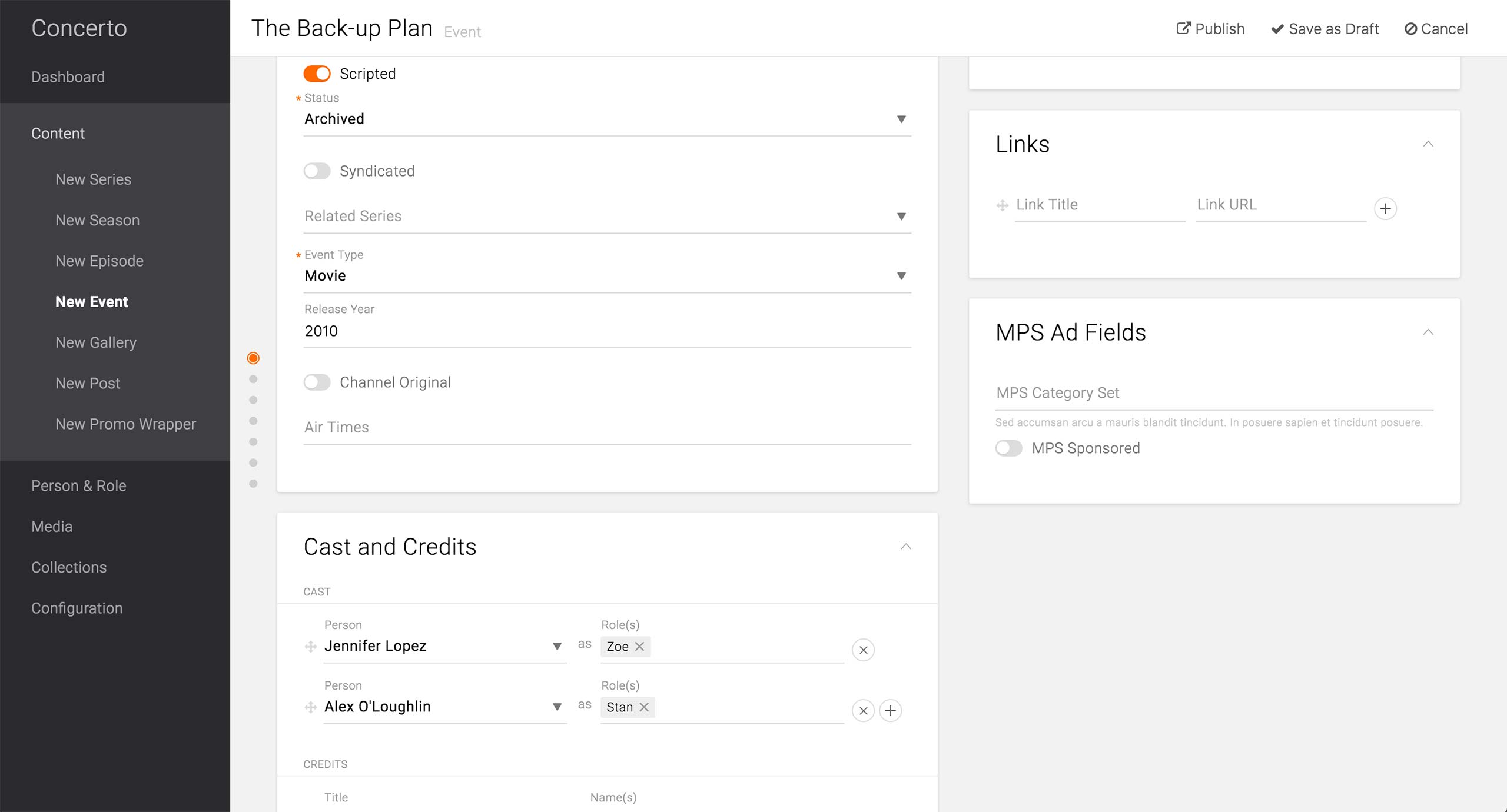
Other information about an event includes whether the event/movie is scripted or not, status of the event/movie, whether it is syndicated or not, event type, and fields that appear based on the selection of the type. For a movie, there are release year, channel original, and air times fields.
Next is the Cast and Credits card, which holds information about actors, characters, and staff. Each Person and Character nodes are created under Person and Role Content Type, respectively, and referenced in this card.
View Event

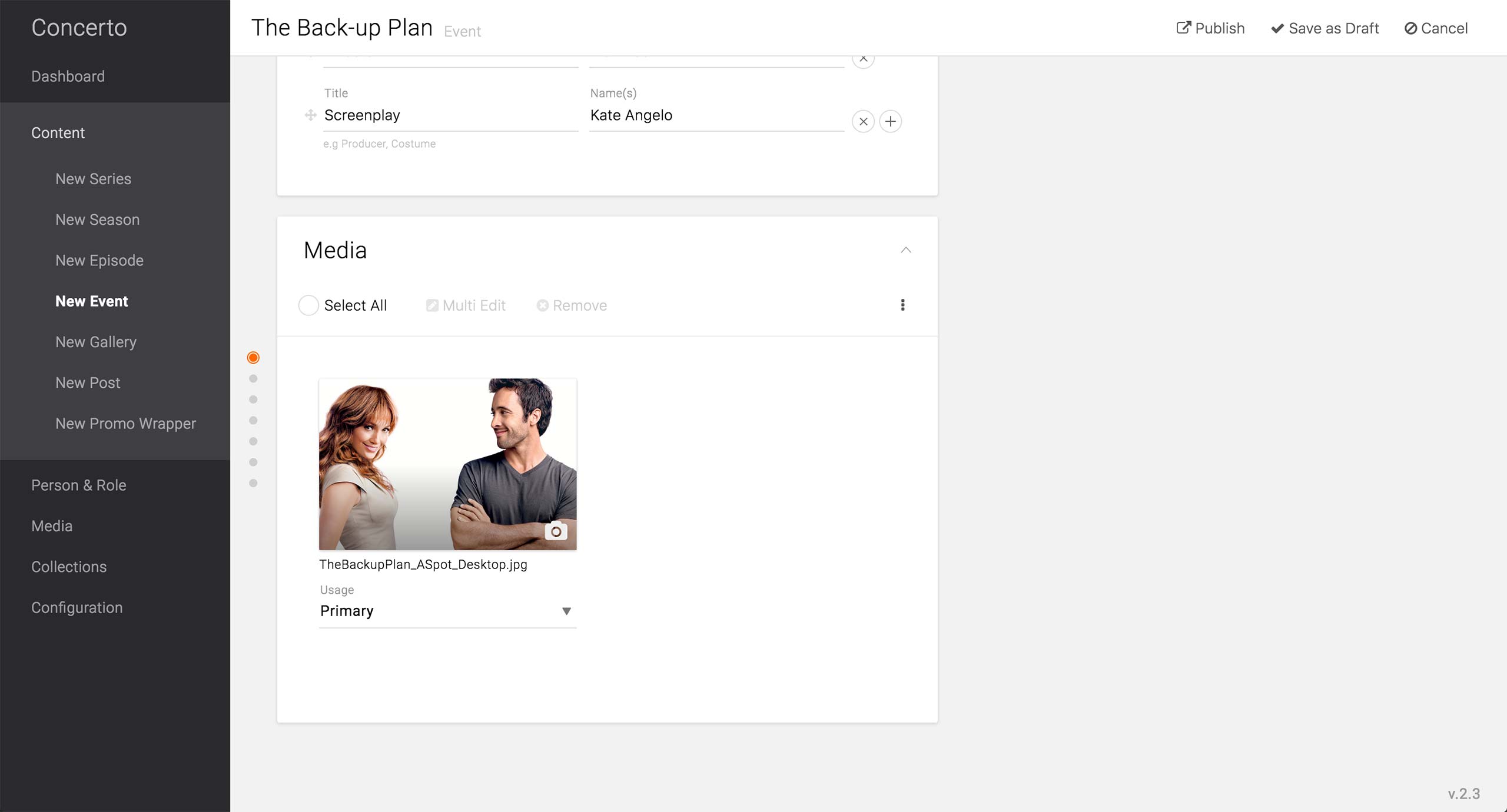
Below the Cast section, there is a Credit section, where any credit or contribution can be given. Both Title and Name(s) fields are free text fields, so producers can enter whatever that fits the case.
In the Media card, producers set the primary image of the movie as well as any other images that are required from the website to be displayed.
Having all these cards and fields within the Event Content Type allows the movie pages to be as full-featured as the show pages are.
View Event