Quiz Competitive Analysis
Quiz Competitive
Analysis
PlayBuzz
Playbuzz is the 3rd party service that Bravo uses for quiz.
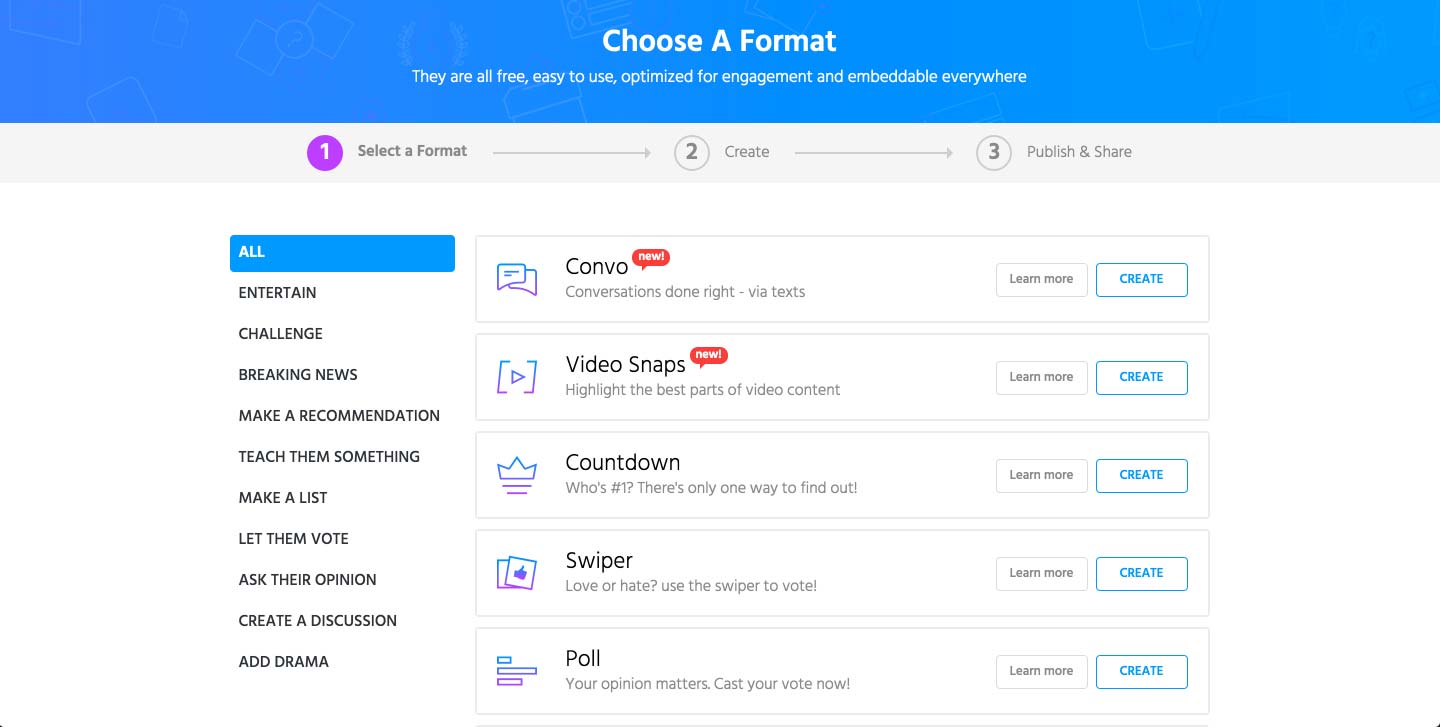
Once the user clicks on a create button, it shows the 3 steps to take in order to create and publish the quiz. In the first step, it offers multiple formats of games that the brands can potentially use for more traction to their website.
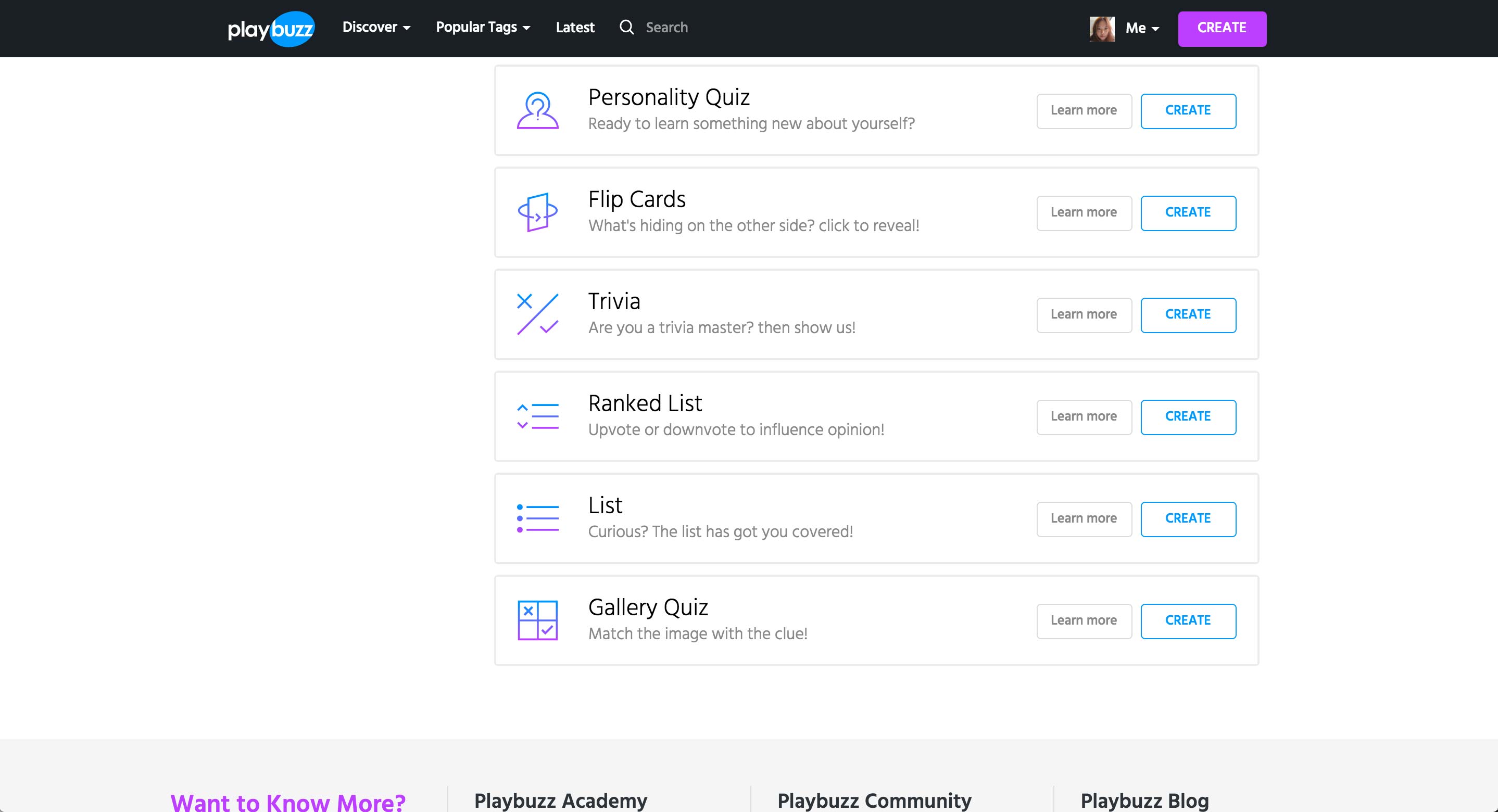
More types of games featured in Playbuzz.
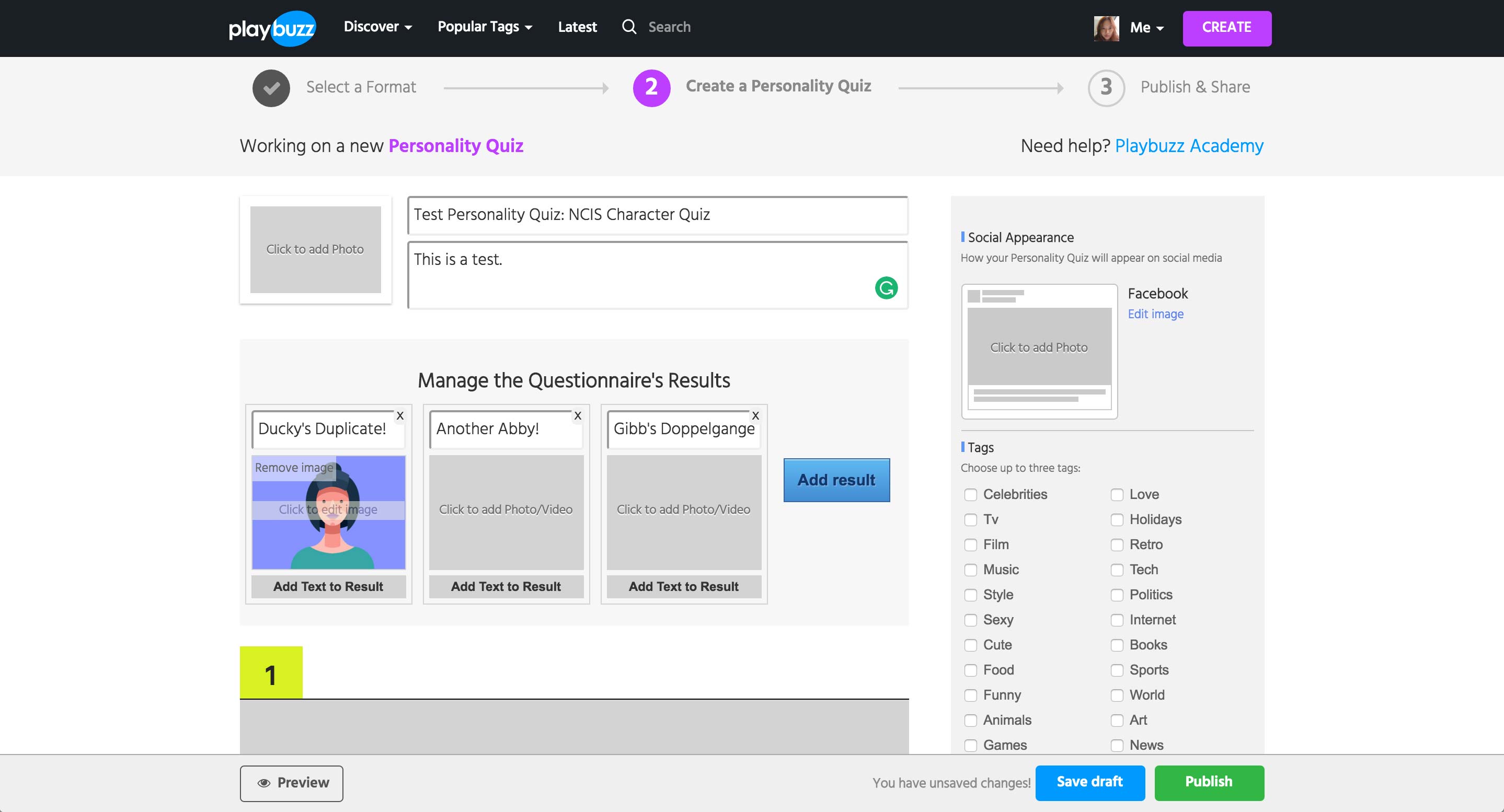
Once entering into Personality Quiz, user enters the title and description of the quiz.
In Personality Quiz, user needs to enter the Results first. Each result can have a title, a media item, and text.
Issue
Even when the text is entered, this view doesn’t show the full text nor whether if there is text entered.

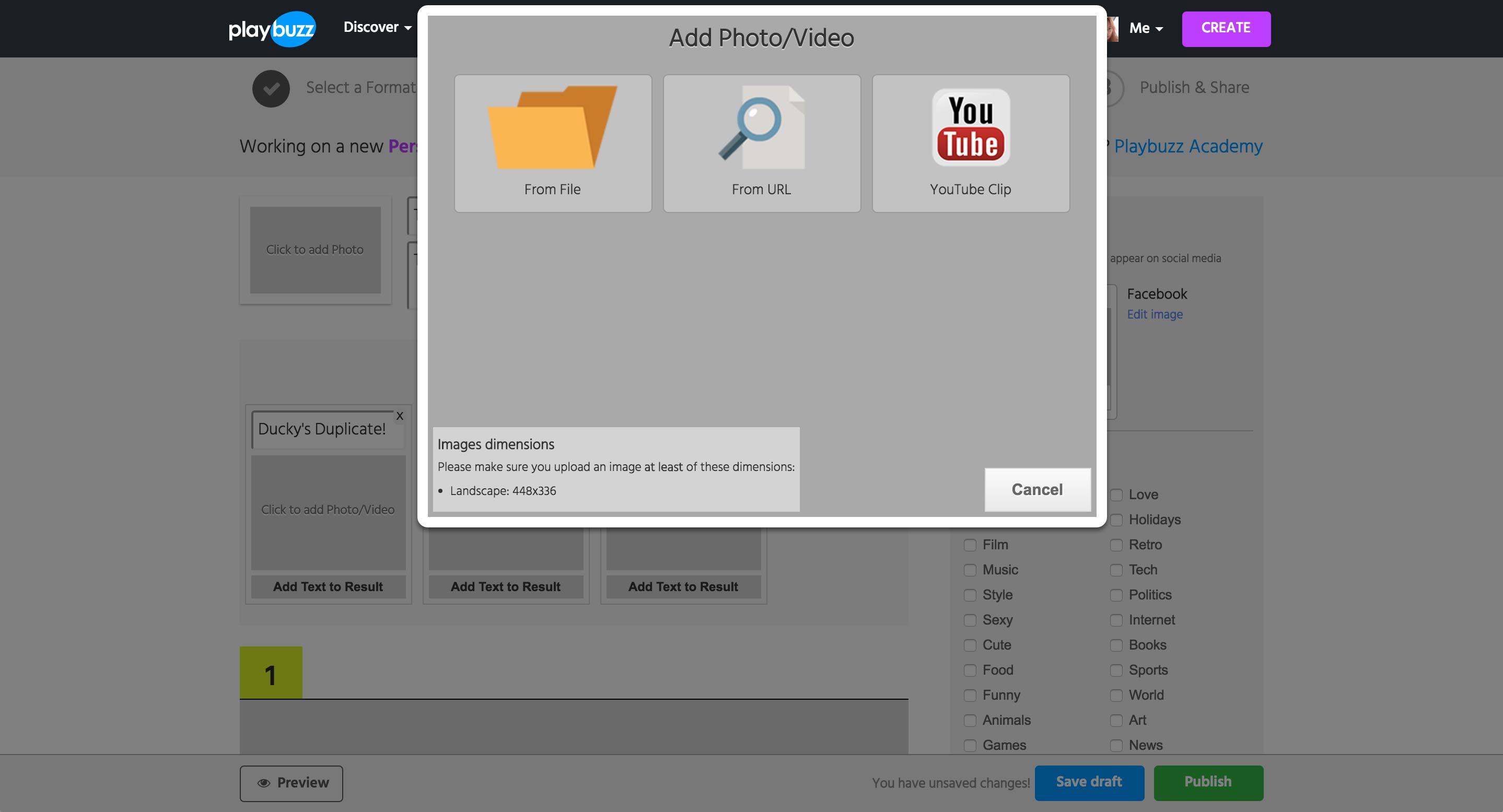
Clicking on any media area shows this popup to upload from local or paste in the URL of the asset.
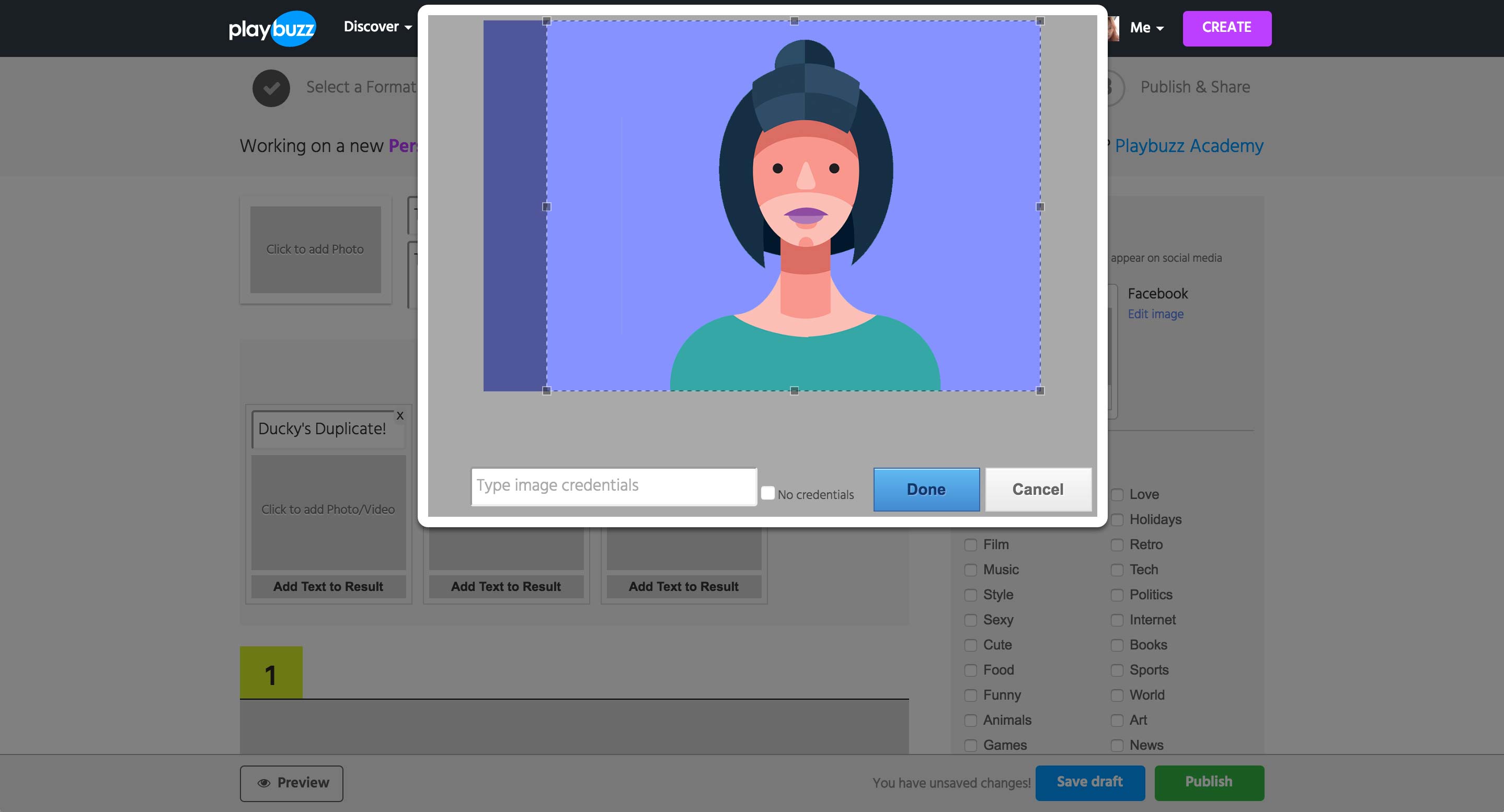
Uploading or using the URL of a Photo will show a cropping tool as well as the credential field. If the image is from an URL, the field is automatically filled with the image’s URL.
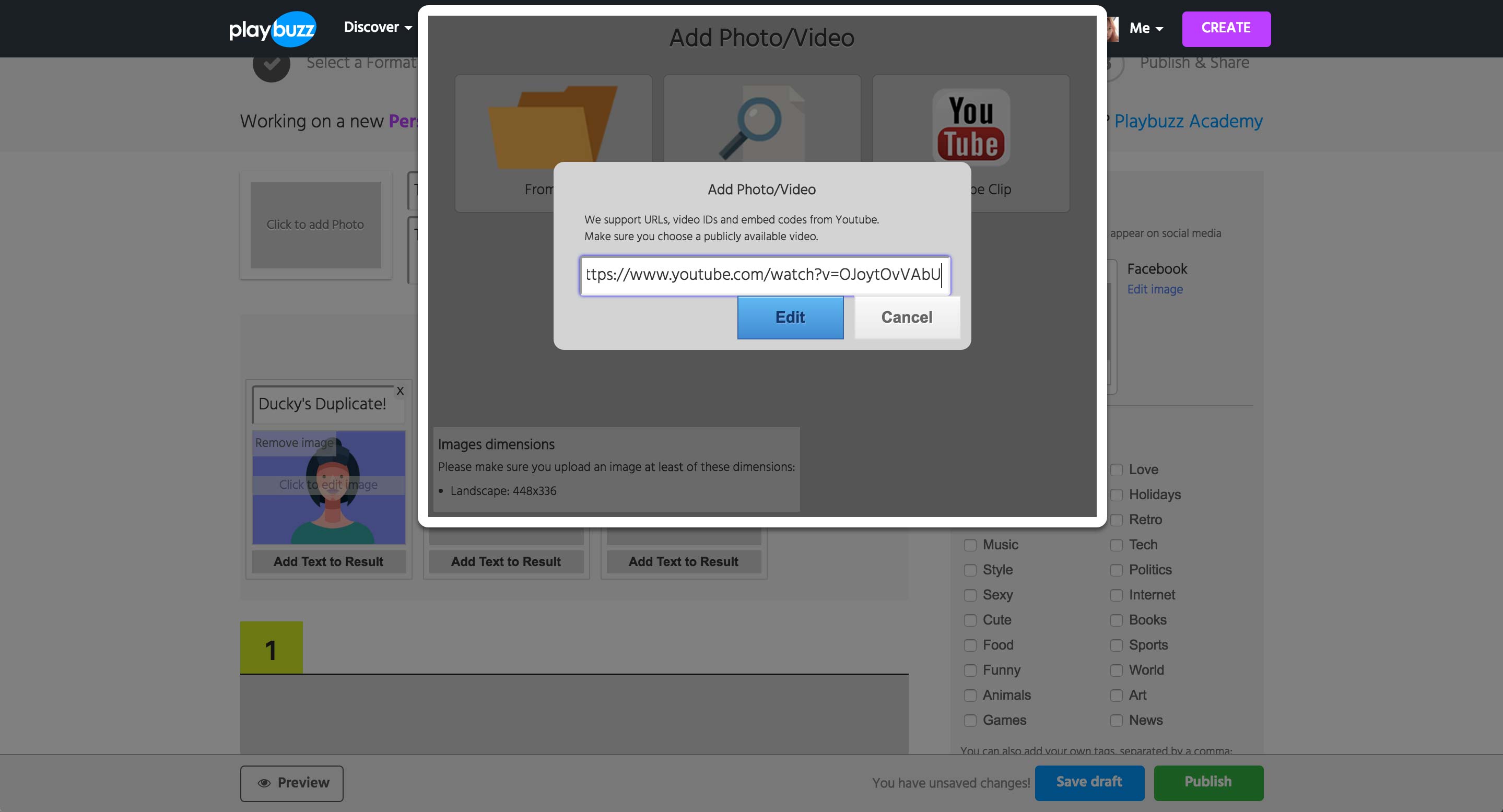
When the YouTube option is selected, a field to enter either the URL, video ID, or the embed code appears.
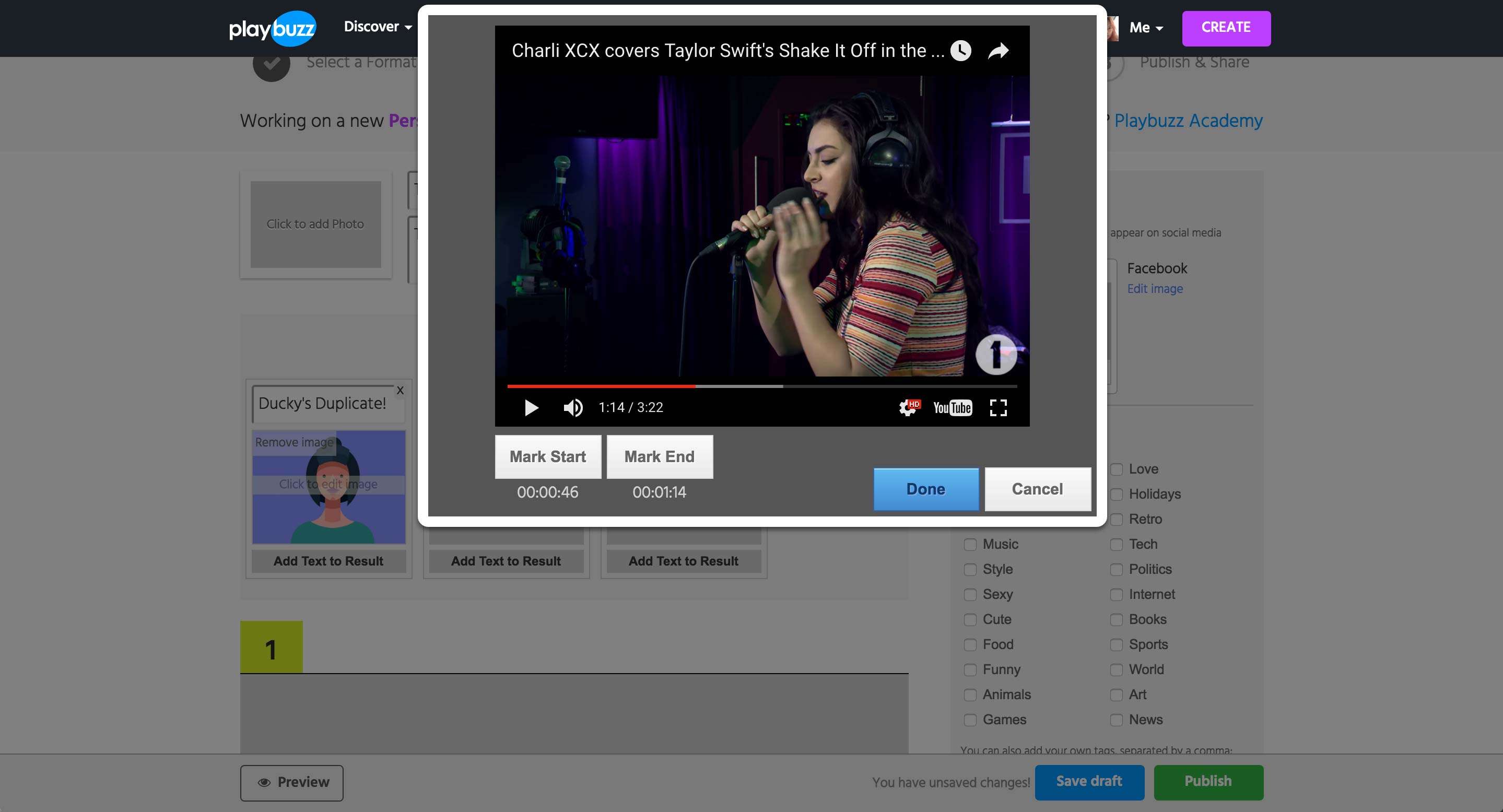
Upon hitting the Edit button, the preview of the YouTube video appears. While playing the video itself, user can set the start and end time of the video to be shown.
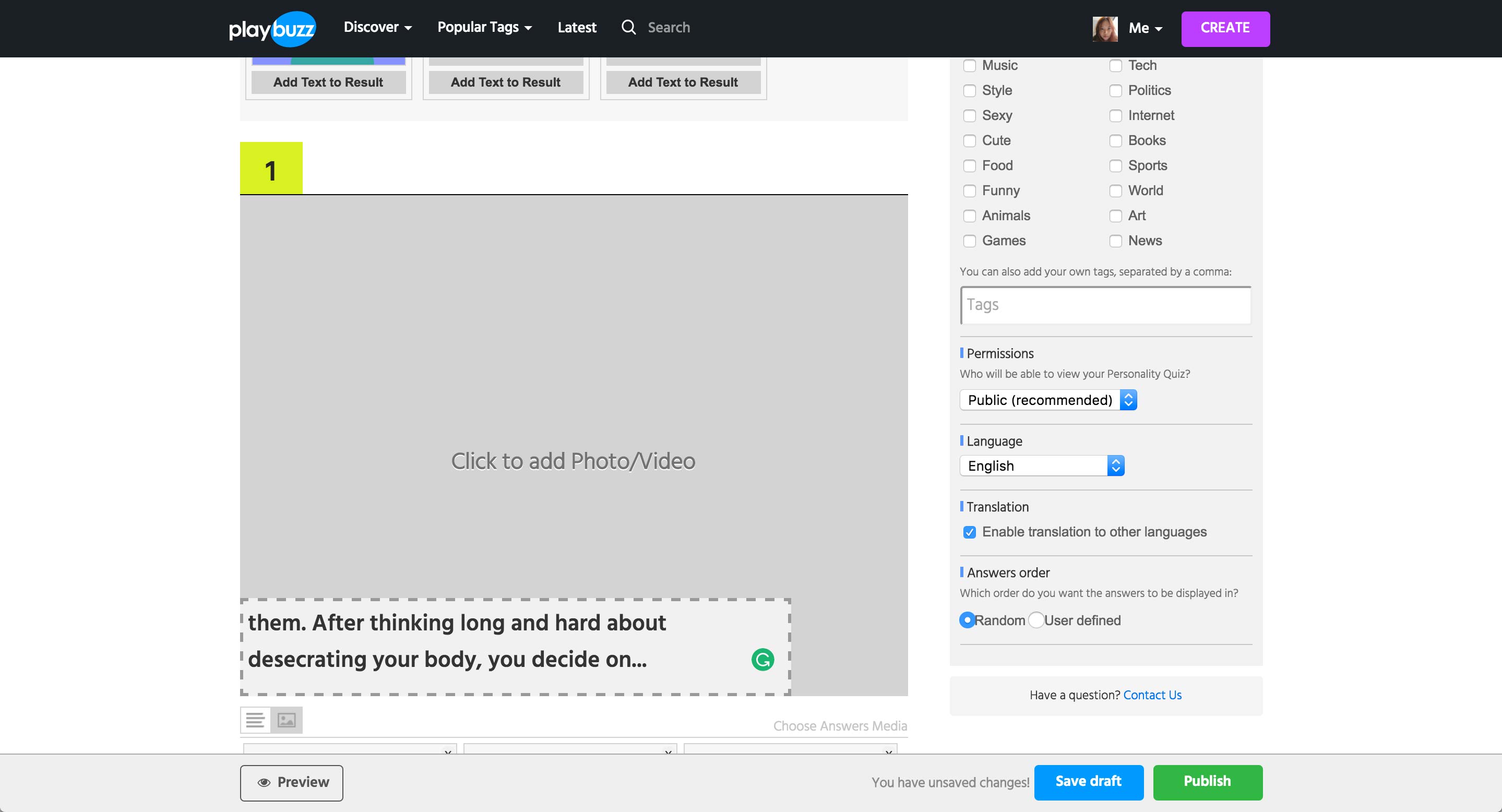
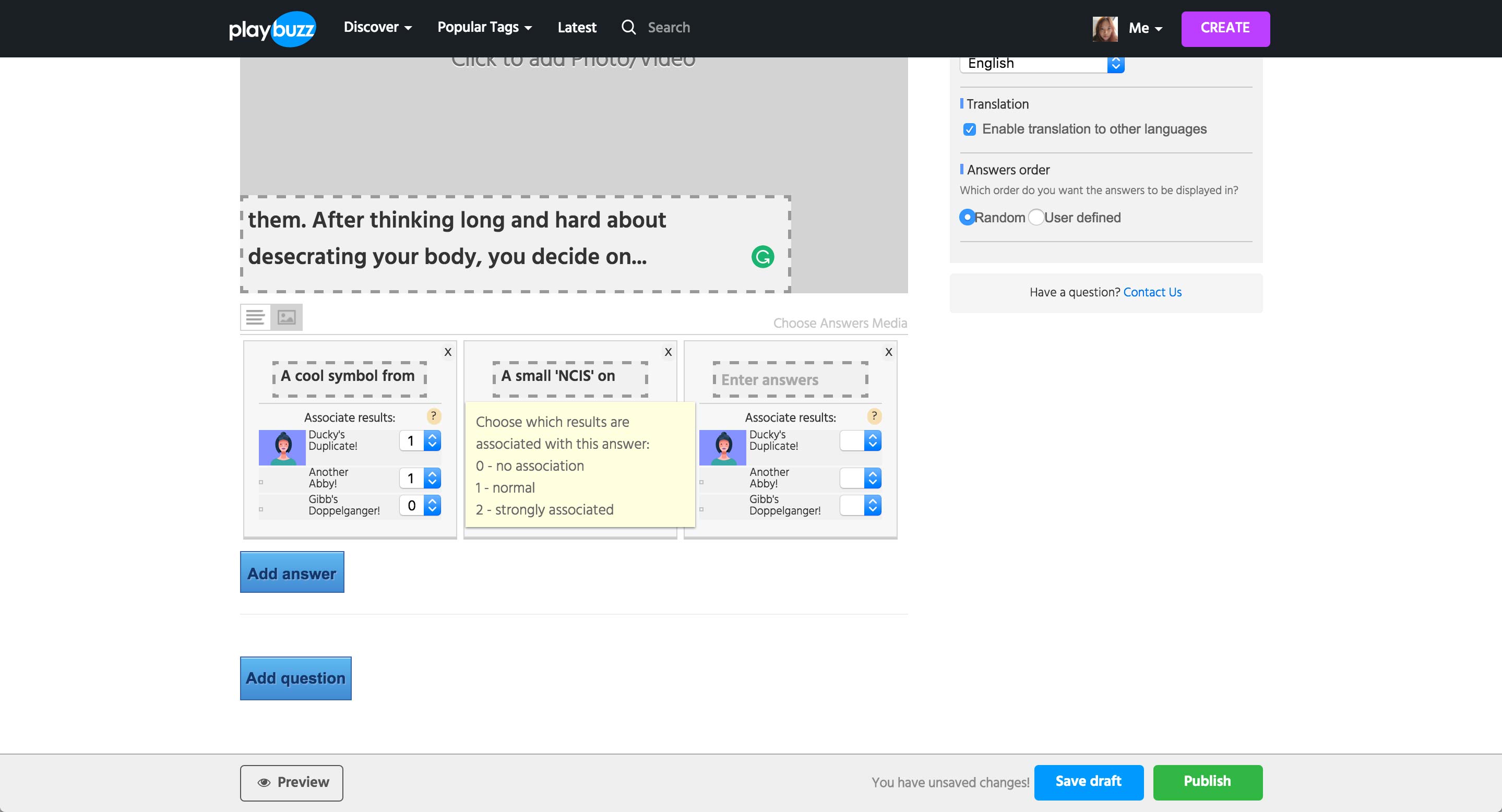
For a question, user can add a media item and a description. Clicking on the media area gives the same popup as the page before.
User can add multiple answer options per question, and each option is pre-populated with the result created above. Then, each result option can be assigned a number depending on how related the specific answer choice is to the result.
Add question option populates the form with another question and answer choices.