Quiz Use Cases For Other Brands
Quiz Use
Cases For
Other Brands
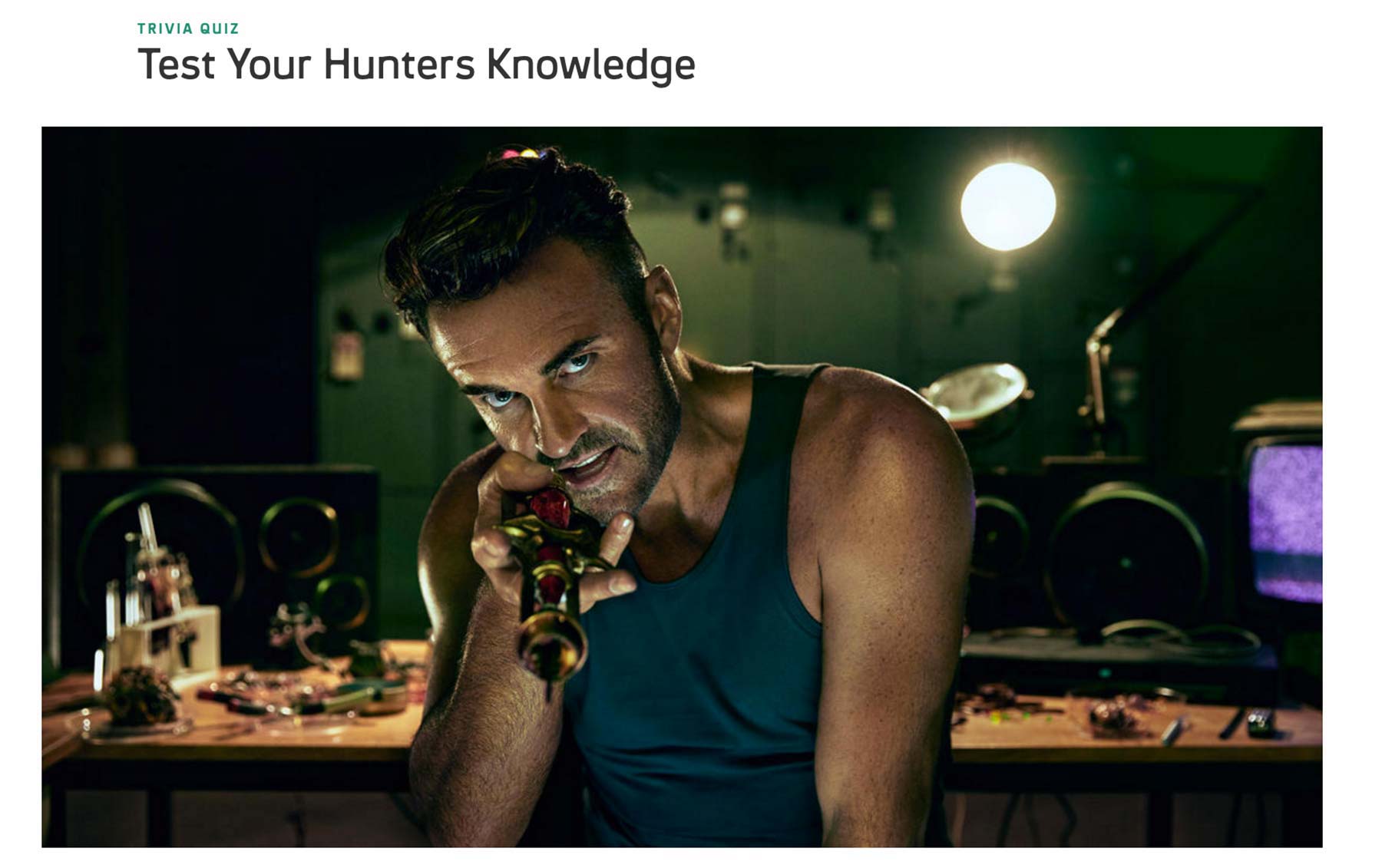
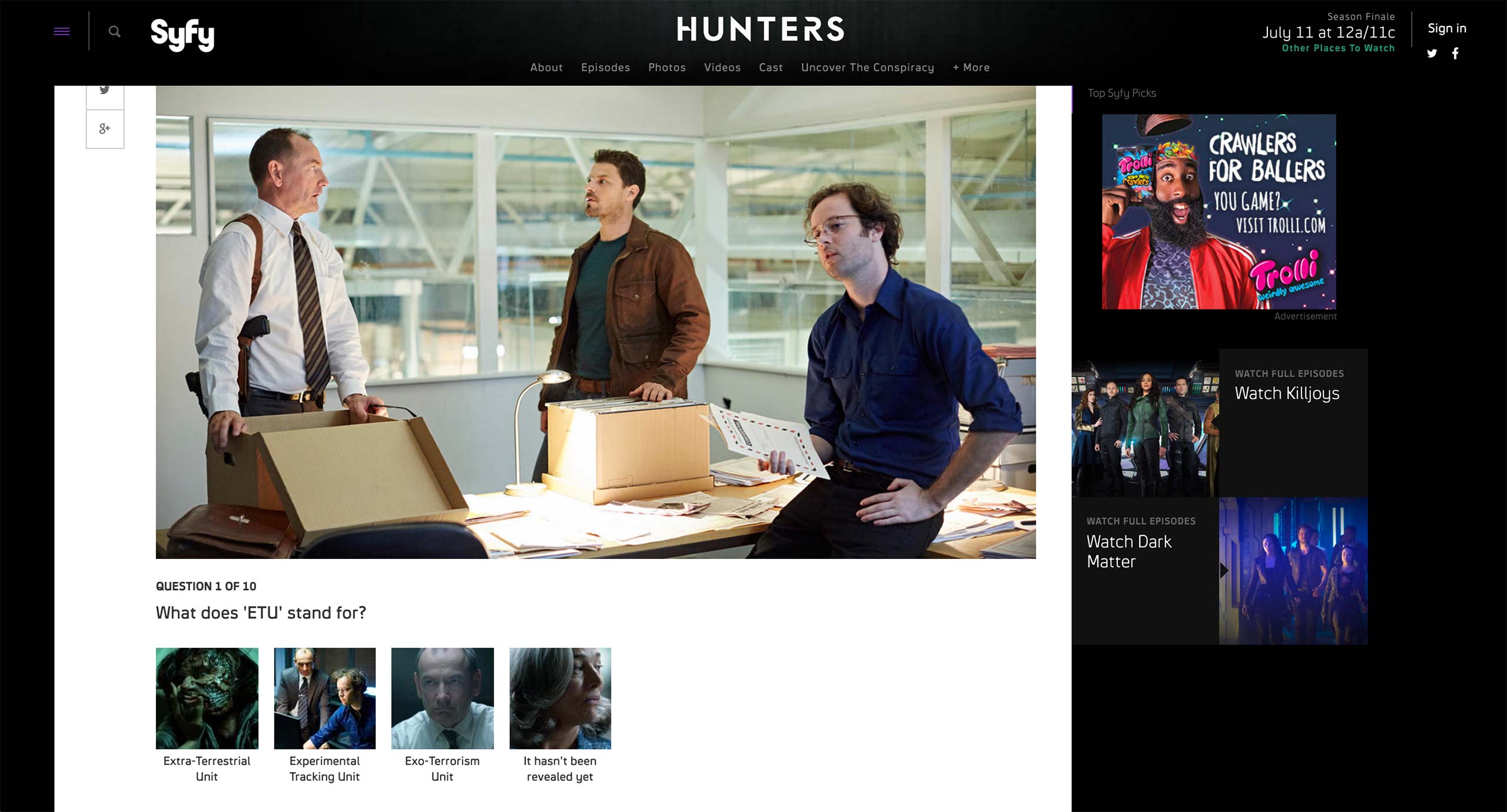
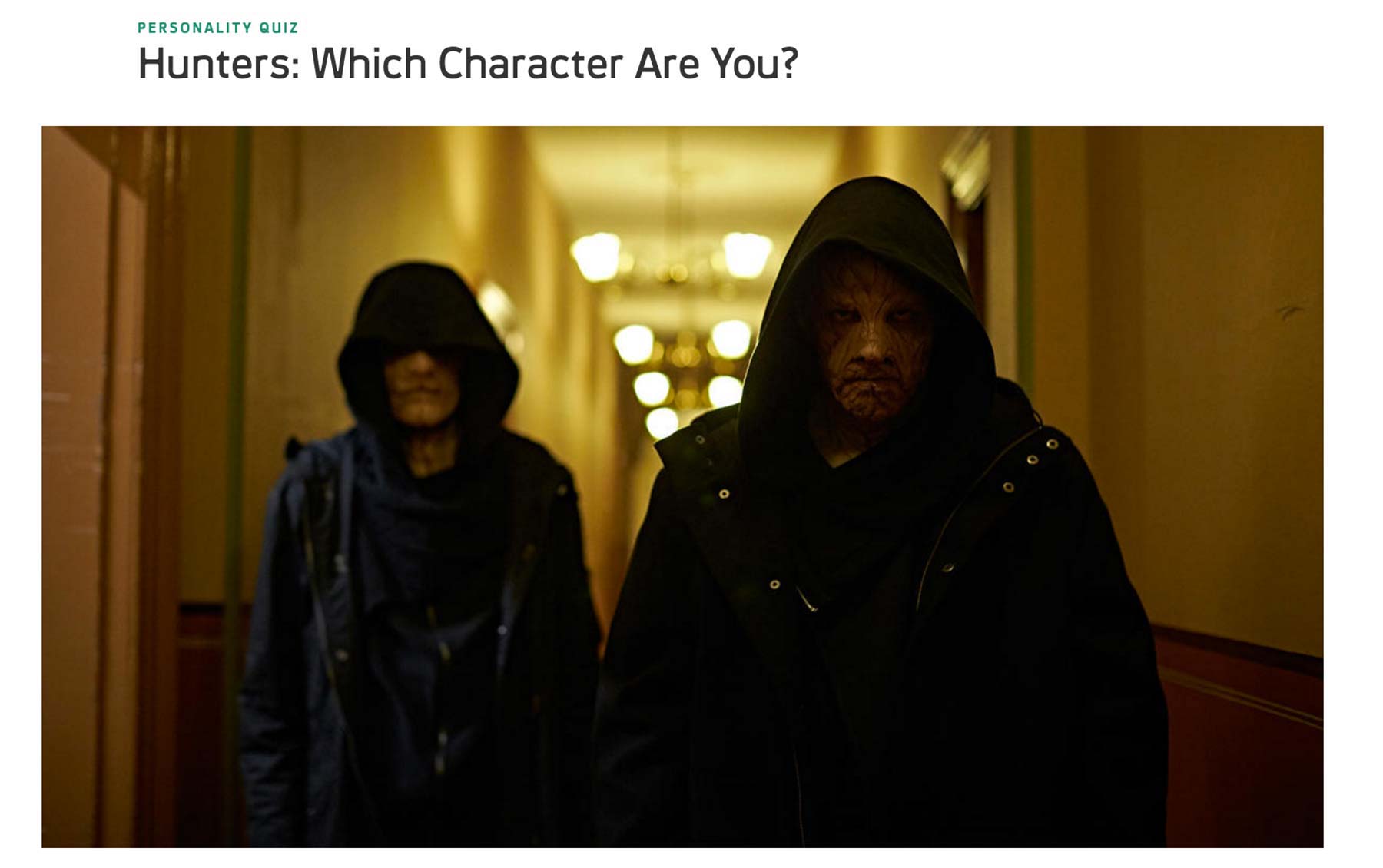
Like USA, Syfy offers two type of quizzes: Trivia and Personality. Trivia tests how many questions the users get right and shows the appropriate image and text as a result.
Each question features a question and multiple choices with image and text.
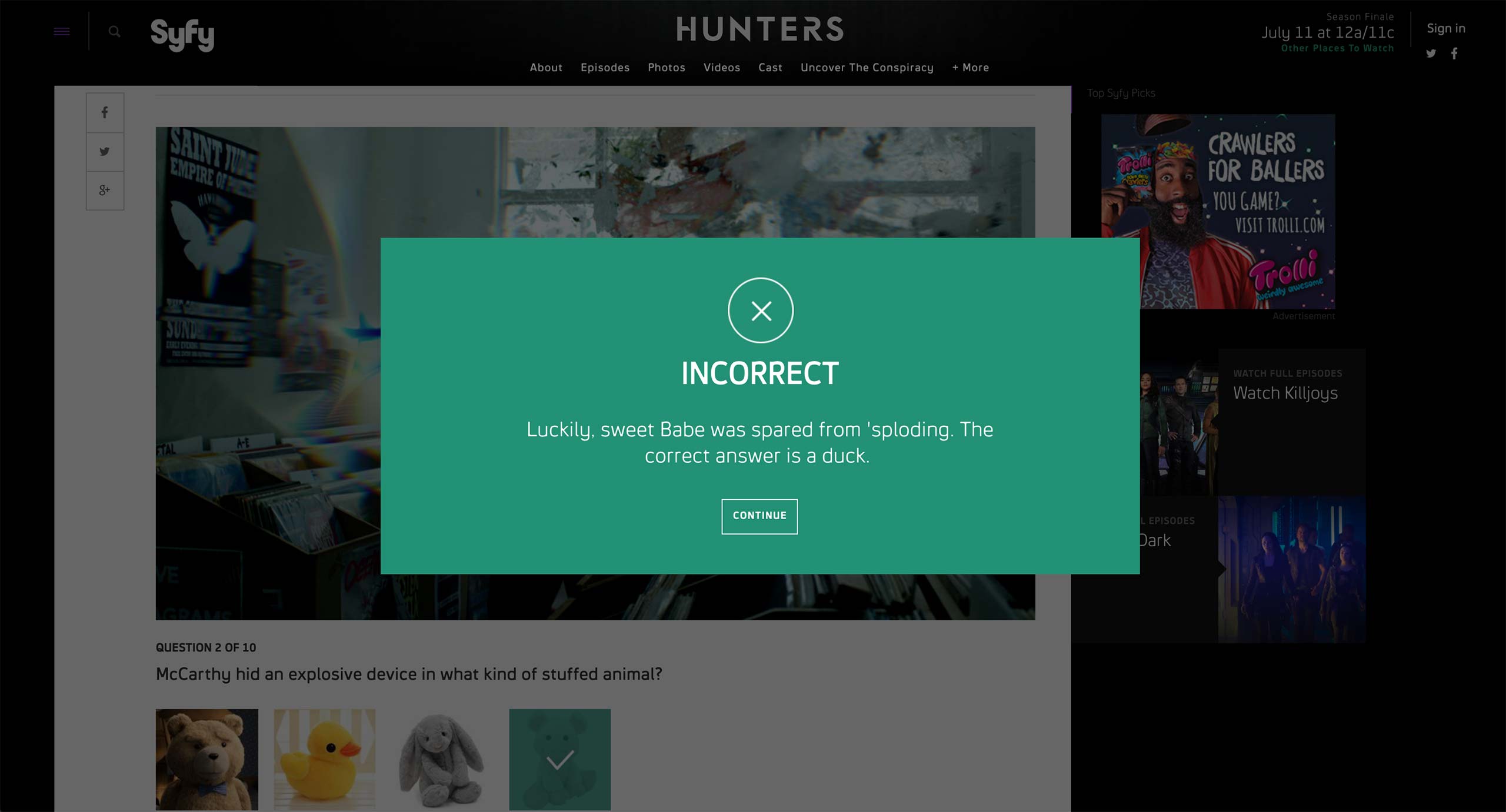
Depending on whether the selected answer is correct or not, the quiz shows a prompt with custom text per choice.
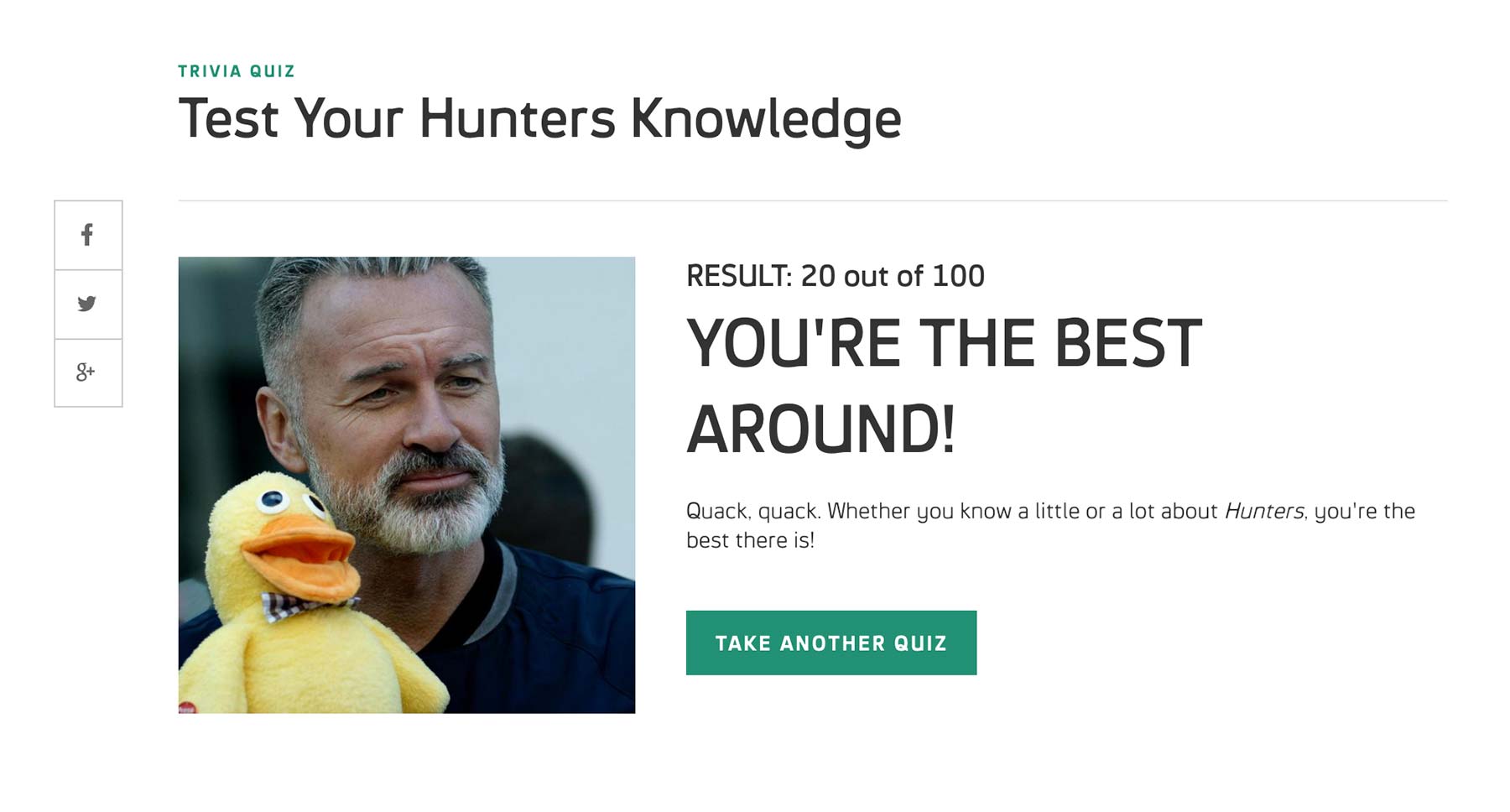
Final result shows the score and custom image and text based on how many questions the user got right.
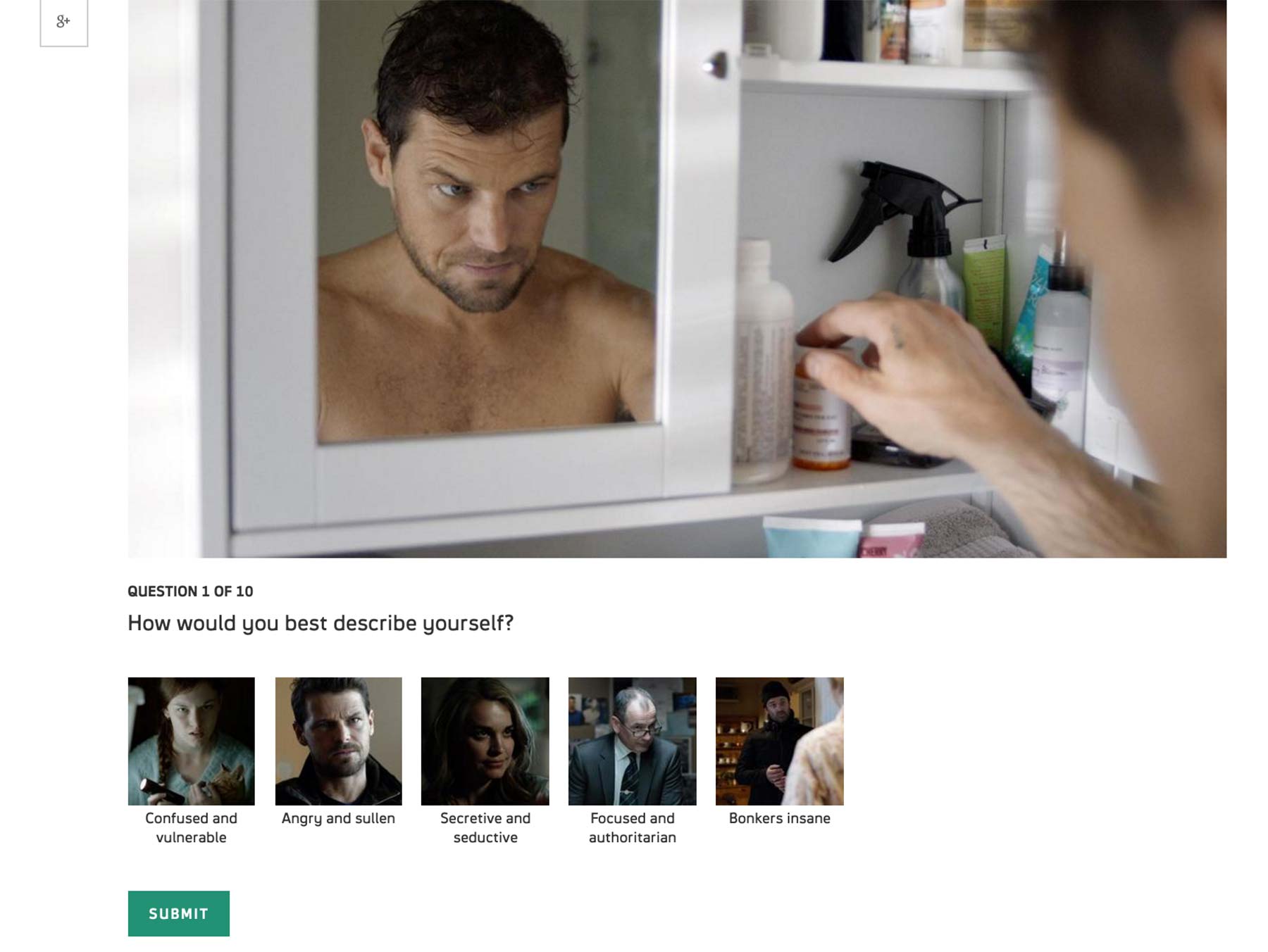
Personality shows what character the user is the closest to based on the response. The components on the landing page is the same with the Trivia.
Also like Trivia, multiple options per question appear with image and text.
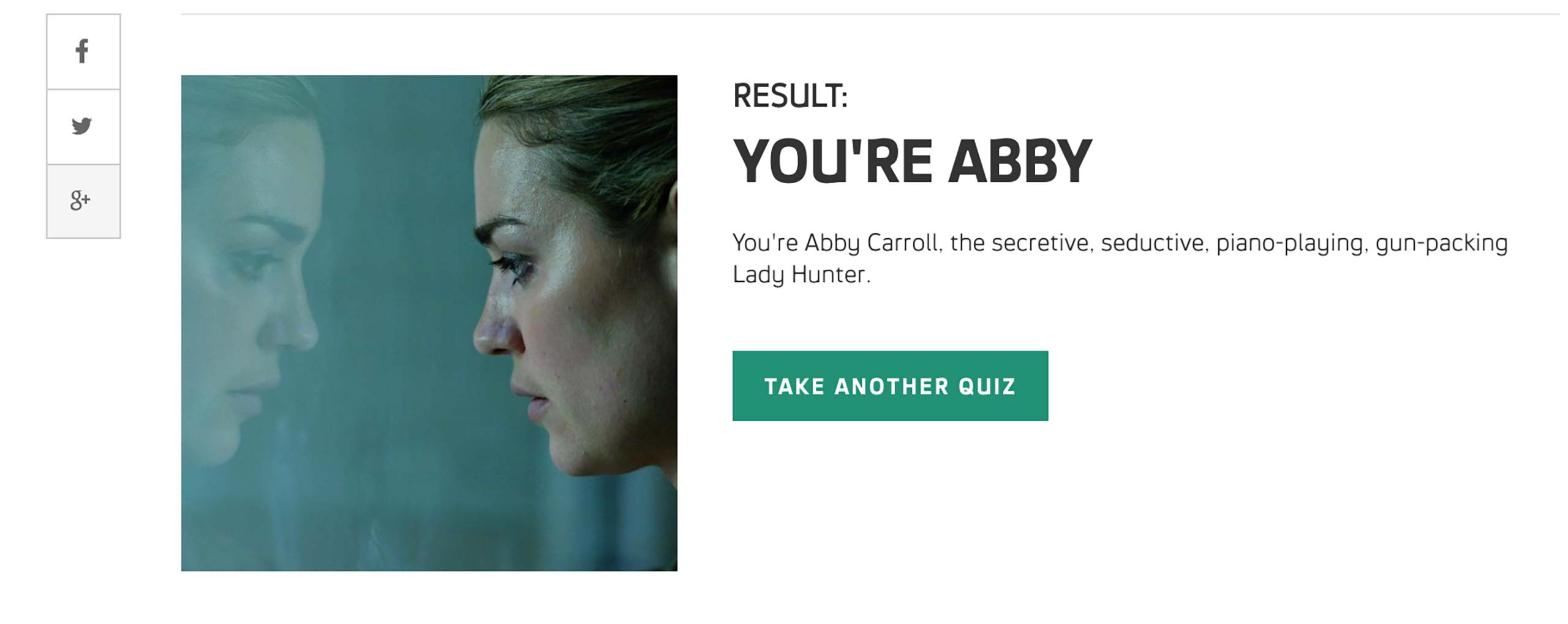
At the end of the quiz, user sees a character’s photo and some description as a result.
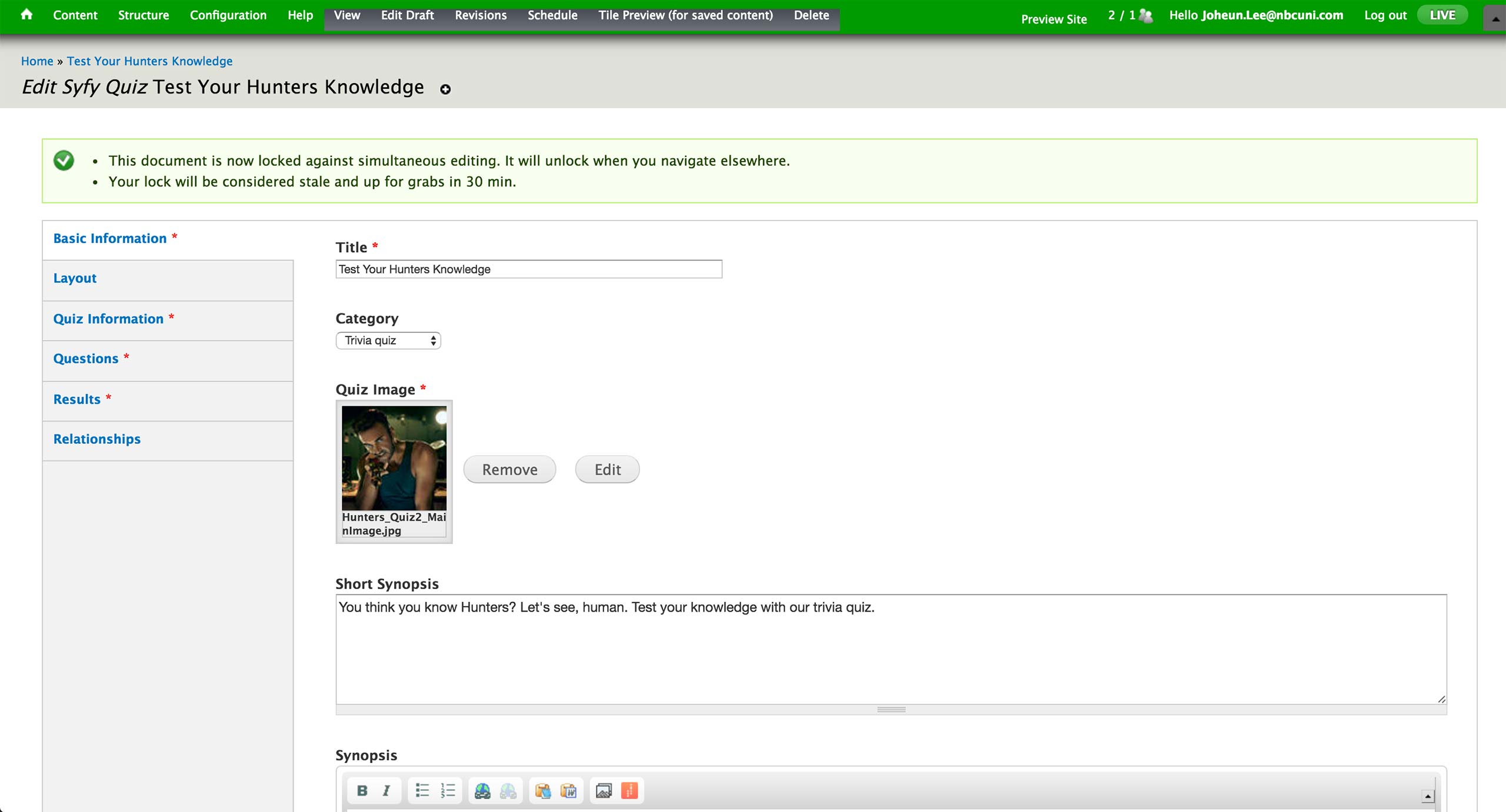
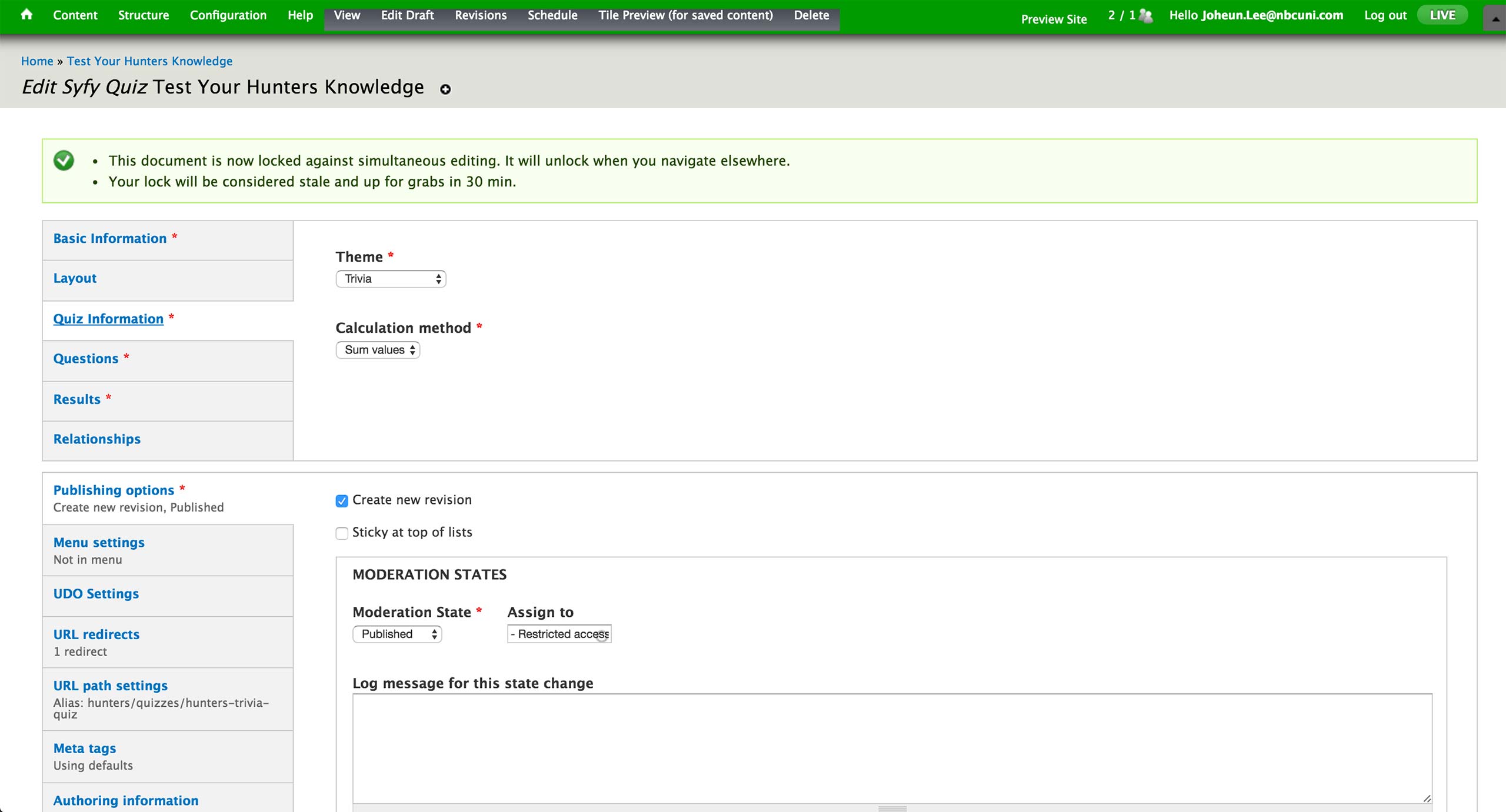
To create a quiz, producer selects to create new Syfy Quiz Content Type. In the Basic Information tab, he sets the title, category, image, and synopsis of the quiz. There are Trivia and Personality quizzes under the Category dropdown. Category, Image and Synopsis appear on the landing page of the quiz.
In the Quiz Information tab, producer sets the theme of the quiz to be Trivia, Multi-paged quiz, or Single-paged quiz. Trivia theme would display the pop-up feedback, whereas the latter two would only show the result at the end of the quiz.
Right now, there is only Sum value under Calculation method.
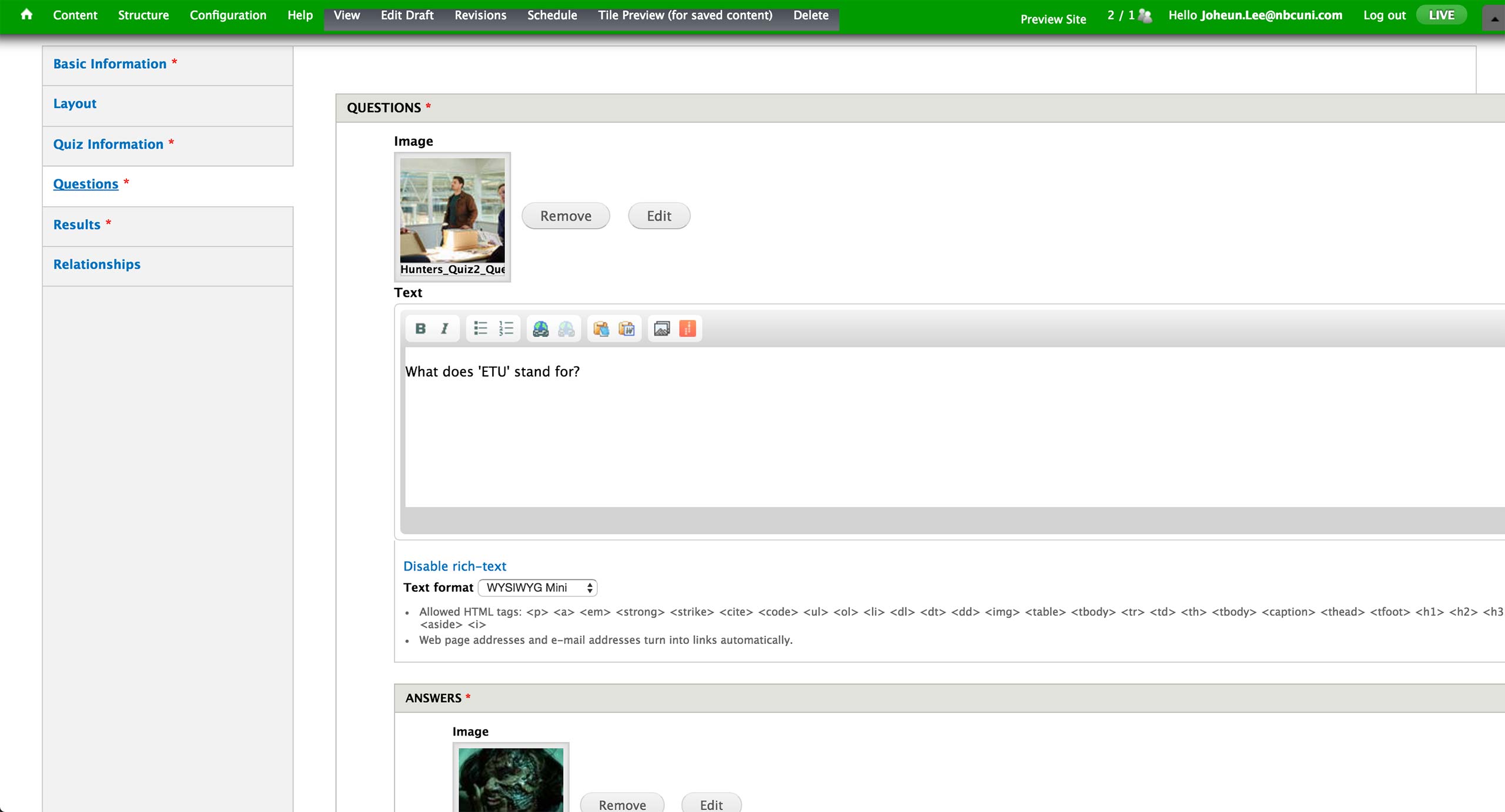
Under Questions tab, producer can add as many questions as they want; but there are usually 10 questions so that the result would be out of 100 points, 10 points per correct answer. Each question features an image and accompanying text.
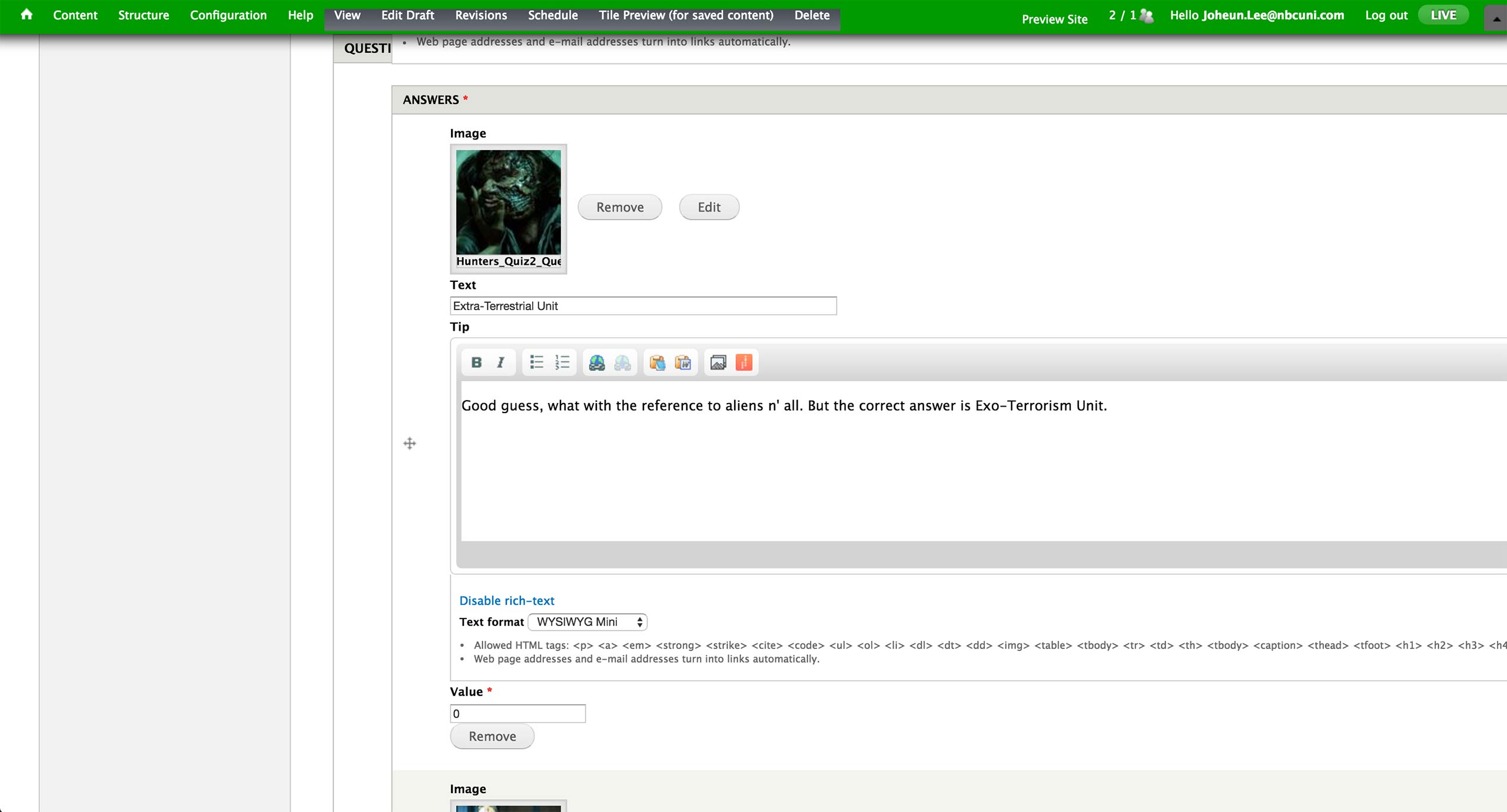
For Trivia quiz, Values for the correct answer is 10 and incorrect 0. Tip becomes the customized pop-up screen message.
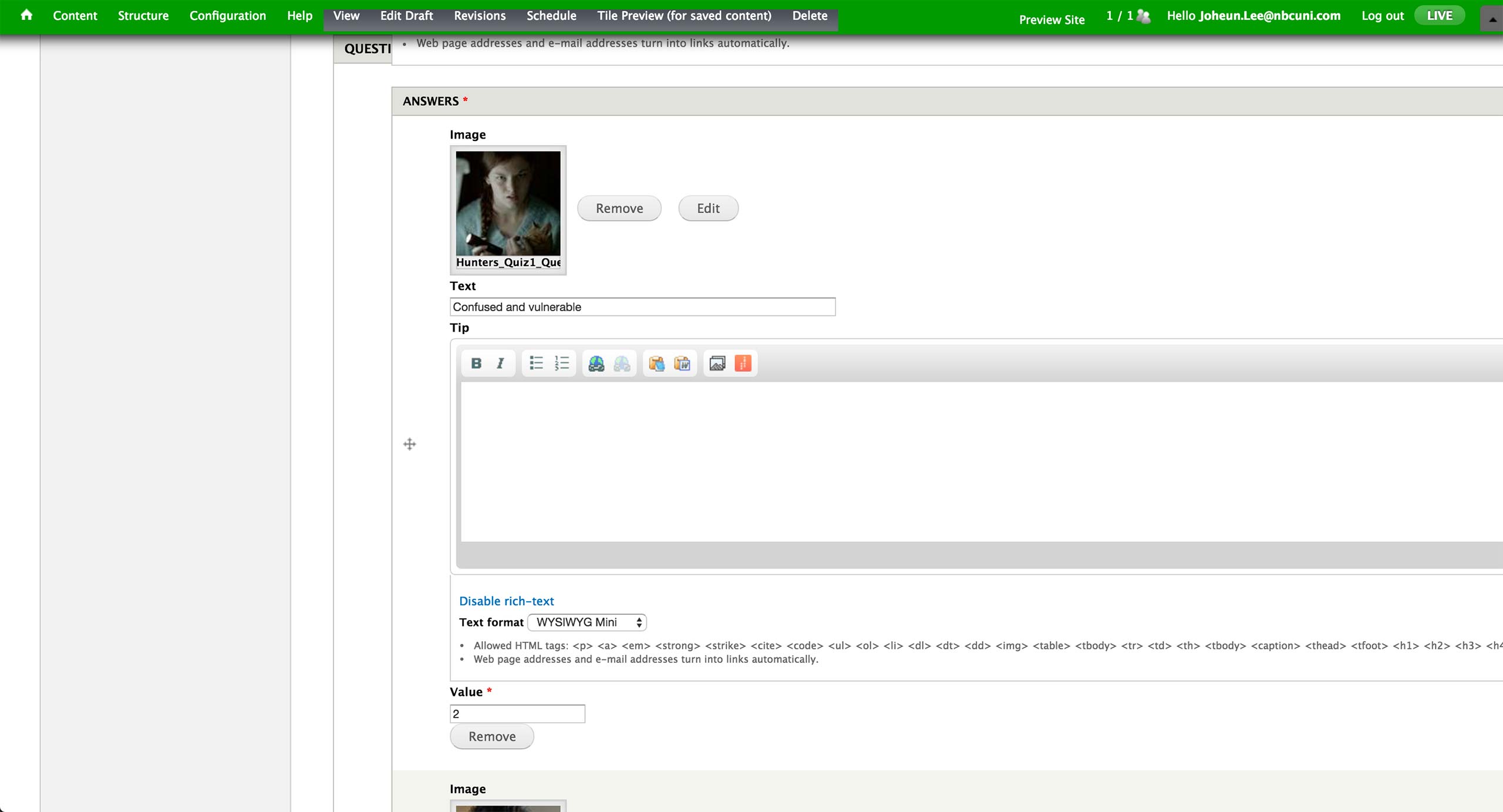
For Personality quiz, Tip is left empty and Value ranges from 2 to 10, in increments of 2. All the text and values are given by the writers, and result is calculated by the sum of these values.
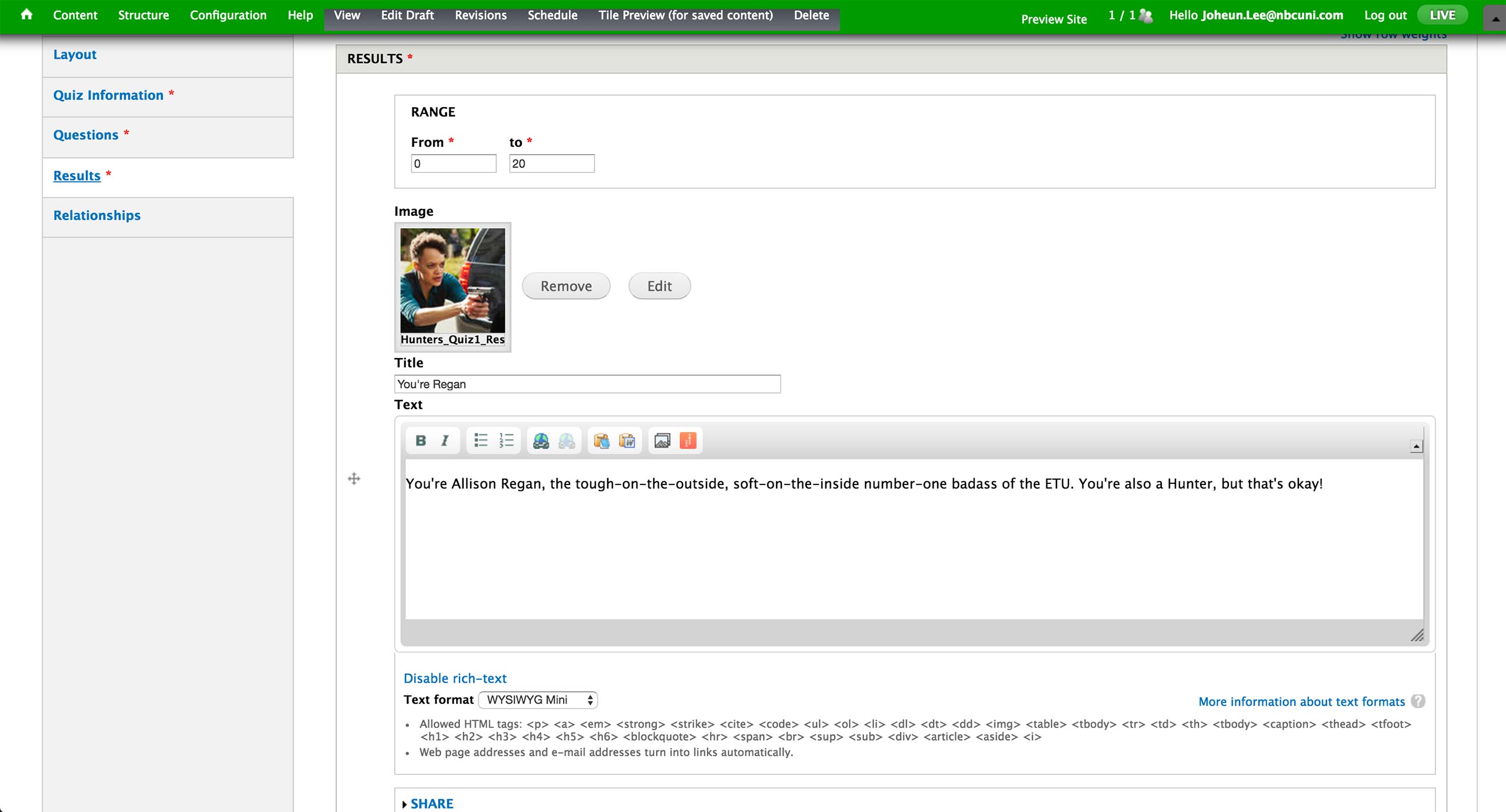
The result section for both type of quizzes looks identical - each result gets a range of numbers within 0 to 100, image, title, and text.
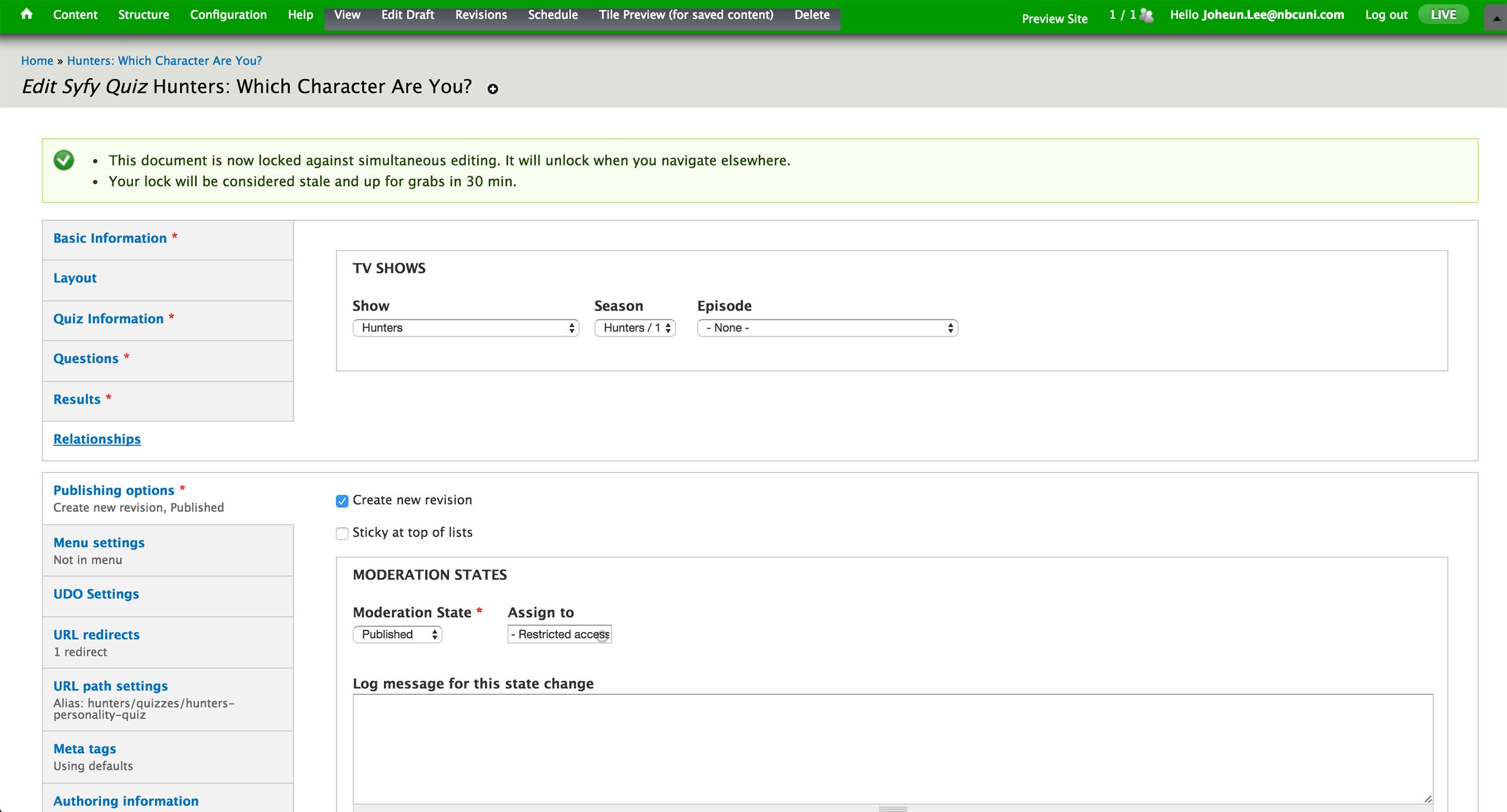
Finally, an association to a show and season is made under Relationships tab.
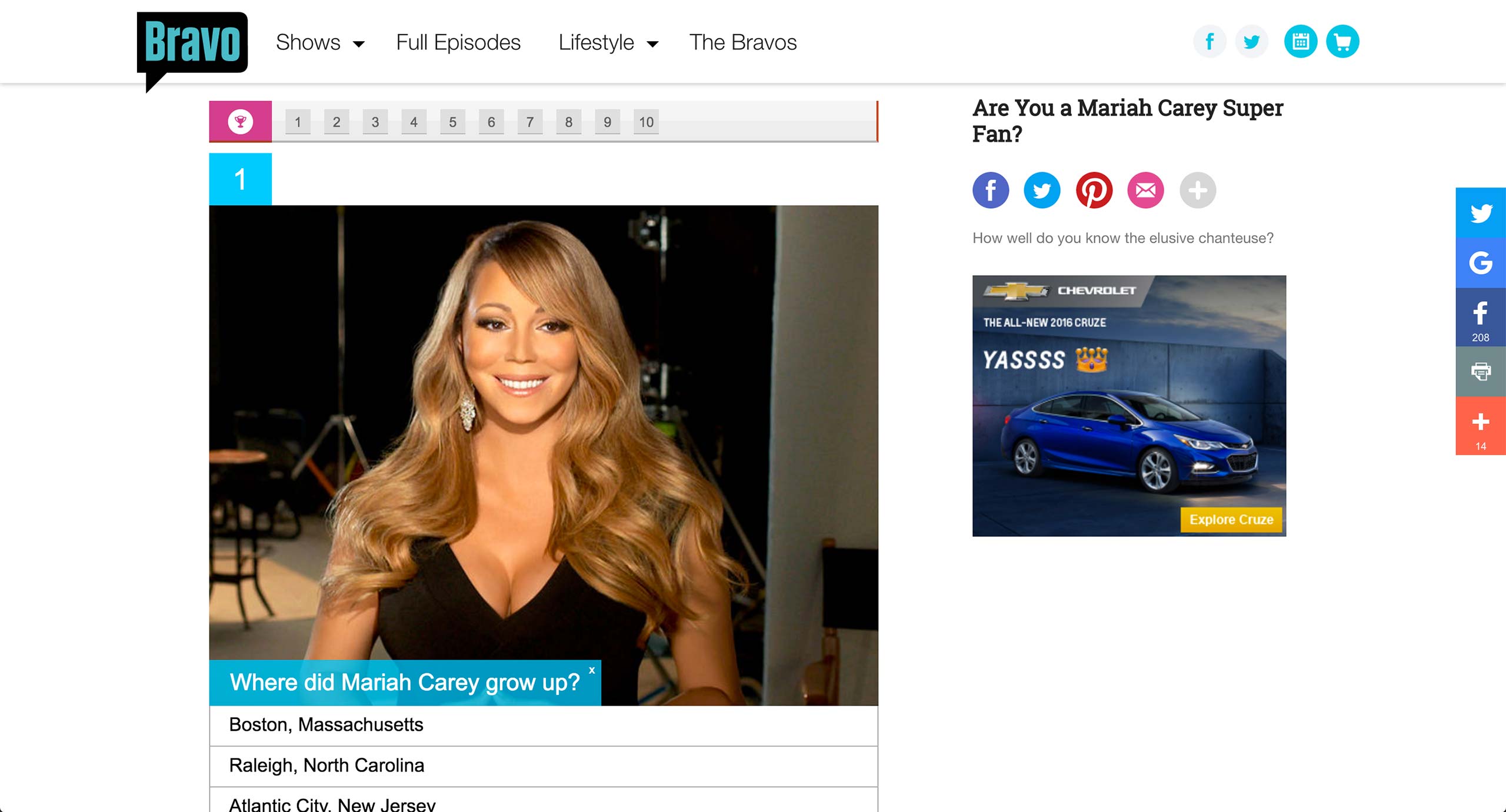
In Bravo, quizzes are powered by a 3rd party service called PlayBuzz. The embed code for the quiz simply gets pasted into a separate Game Content Type.
Bravo also has Vote content type, which works similar to quizzes - it merely acts as a wrapper for the embed code.
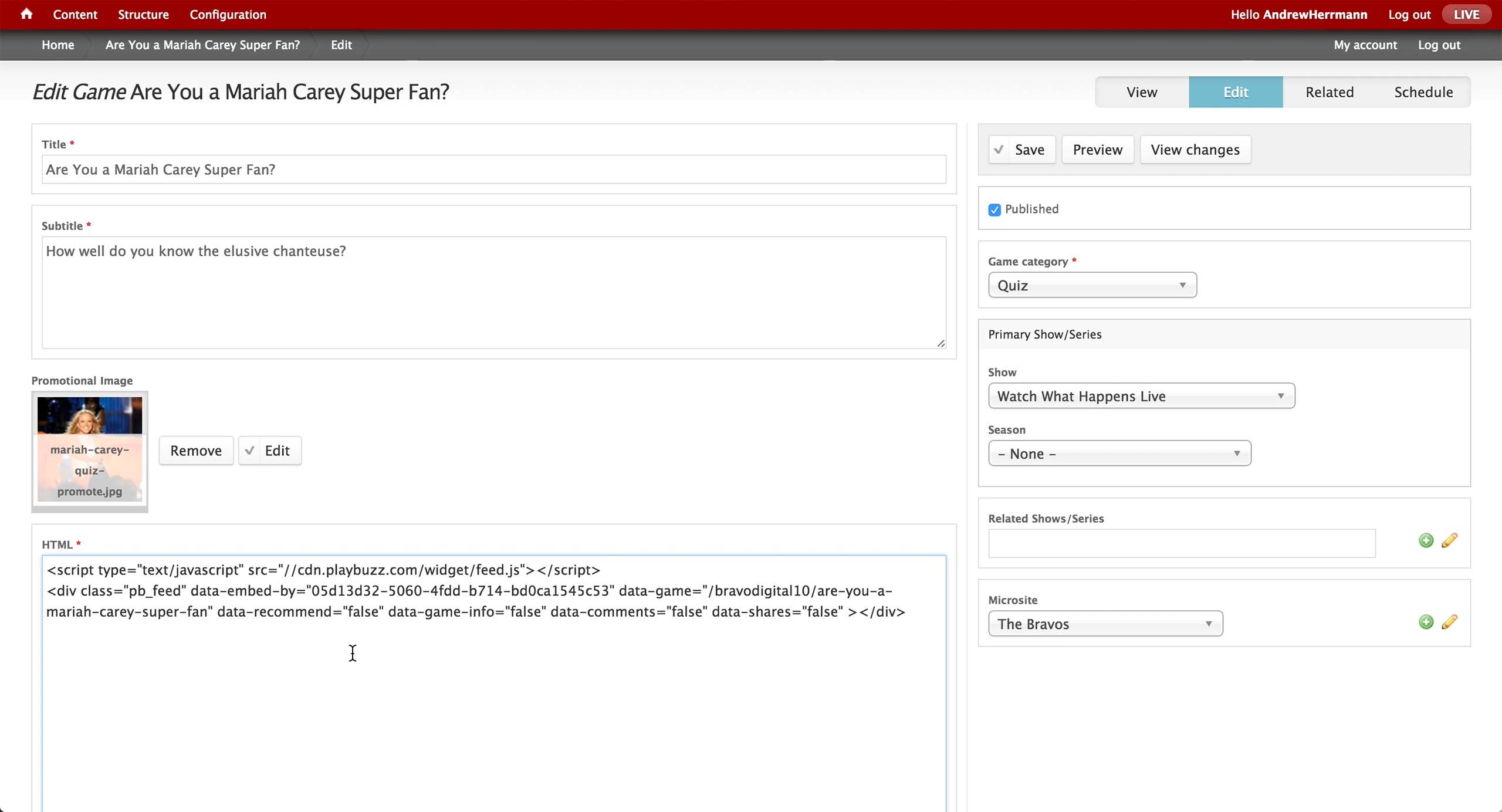
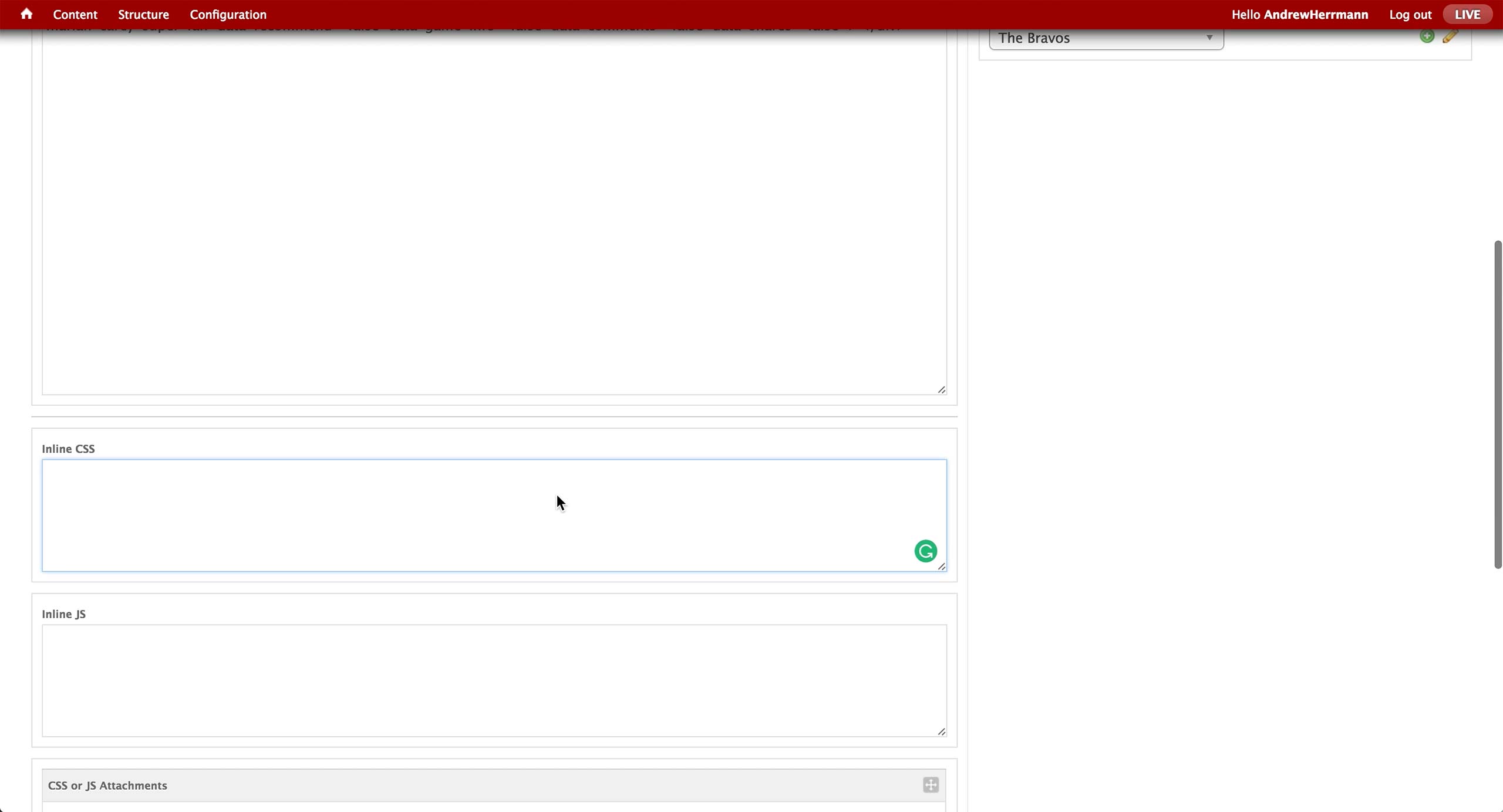
This is the screen of the Game Content Type in CMS. Title and subtitle are the text items that appears on the right rail in the quiz page, and promotional image will appear in the tiles once the quiz is promoted in a Layout.
On the right, producer sets the Game category to either Quiz or Puzzle. Recently, only Quiz option is used - Puzzle category holds legacy games involving heaving graphics.
Show and season associations are made appropriately, as well as any other related shows and microsites. The microsite association will display the microsite banner on the top of the quiz.
Then, the embed code from PlayBuzz gets inserted in the HTML field.

Below are custom CSS and JavaScript boxes in case more interactivity is required.