 Requirements
In Development
-
A-spotOpen or Close
Goal
Give special treatment to promotional content and gain traction.
Current features
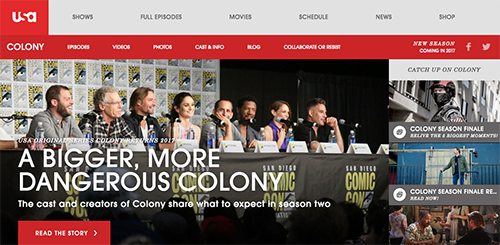
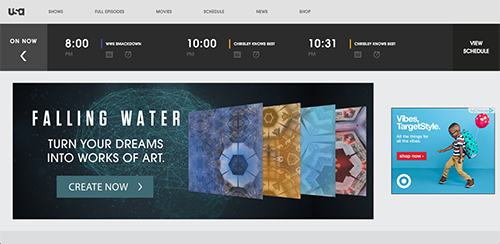
2 versions of an A-spot module: They can’t say exactly the same thing thus has to be contextual.
- Homepage: Allows to isolate the piece of the image. May move away from this.
- Show: Has the right-side module.Predetermined font sizes: 6 sizes, based on the length of the text.
Views for smaller devices: Small phone vs. everything else. The latter proportionally scales, fixed dimension.
Must-haves
Precise control over the presentation: Currently, the producers and designers have control over various presentational aspects, from text sizes and placements to the cropping of the peek. They want to precisely control how the images and texts would be displayed in screens of multiple sizes.
Ability to:
- Drag and drop text and move it around
- Breakpoint control, responsive
- Have multiple CTAsPain Points
From Tech Lead
Asset management: Wants to reuse assets wherever possible.
No real-time previews: Previews don’t appear until the A-spot is saved as draft.
Concern
1 template for all the shows won’t work due to the text length and sizes.
Other
Used to burn the images, which was annoying.
-
PreviewOpen or Close
Goal
Proofread and check the content and images to get accurate and beautiful pages, and share the vision both internally and externally.
Current features
Preview Homepage: Separate nodes and previews by day
Preview pages and content type
- Homepage
- Show landing page, especially Best Of section
- Episode Guide, Post, Gallery, Person, Quiz, Timeline, A-spotNo preview feature at all on OTT apps.
Must-haves
Homepage: Knowing which day you are editing and viewing
Preview of future state: Pick a future date to preview, preferably in the past as well
Shareability: Executives and sponsors to be able to review and give feedback, ideally without logging in
Mobile preview: for editors and designers
Use Cases
- Homepage, Show landing pages
- Update every week, 6am: full episode, recap, gallery
Pain Points
From Tech Lead
When adding a new show, there are 60~70 key artworks to check for.
Troubleshooting can be frustrating with multiple assets.
From Producer
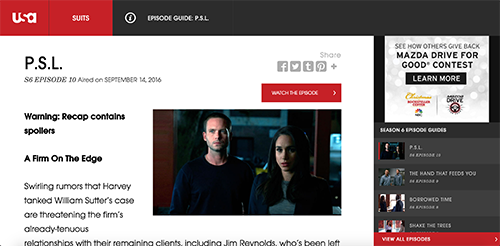
Currently, a designer has to mock up the page in order to share the future state with executives, which takes few hours of the designer's time.
Producers can’t preview the content that is in an unpublished state.
Concern
There could be an security issue if the preview was generated to be shared with external parties without logins.
Other
If cache bust is available, the preview might be less necessary.
Low-fidelity preview is not necessary, as the main purpose of the preview is to view how it would actually look on the front-end site. It would be only necessary for content proofing, but USA doesn’t have that workflow as a small team.
-
ScheduleOpen or Close
Goal
Make various contents and pages go live and be updated in timely manner.
Current features
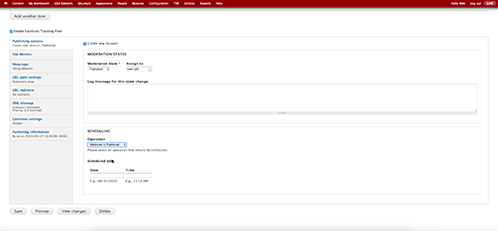
Schedule a draft: When scheduling, a new draft of the entire node gets created and scheduled.
Use Cases
- Schedule to publish changes on homepage and show page
- Program the homepage the day before
- Schedule to publish weekly episode-related contents
Must-haves
Dashboard: A birdseye view of what contents are scheduled to going live.
Notification: Notification when content goes live.
Pain Points
From Producer
There was an incident where producer accidentally scheduled to unpublish, which broke the entire show page.
Other
USA doesn’t really need an end date, as they rarely unpublish content.
Videos have sunrise and sunset dates.
-
Catchall PageOpen or Close
Goal
Have a single page for the viewers to browse any content related to a show.
Current features
Headers and footers: Show-specific as well as global.
3rd party apps: Use them as building blocks.
Must-haves
Ability to create quickly: within a day.
Ability to freely put various content: Spredfast social, contest, sweeps, game they developed, code, iframe, css.
Other
Considered having page templates.
* Can be potentially created with Page type
-
MicrositeOpen or Close
Goal
Curate and mash the existing content in the show page into a single page, and sell the microsite.
Current features
Separate content type: Timeline gallery content type.
Editorial freedom: Editor can put the content together.
Must-haves
Authenticated videos: Ability to use authenticated videos and content types - galleries, images, etc. - from the CMS in the external microsites.
Style: Ability to skin the microsite.
Pain Point
Although the external microsite would have more flexibility than the microsite content type in the CMS, the producers are forced to use internal microsite whenever there is a need to use authenticated videos.
Other
Fairly low amount of work, because it’s usually done at the end of life.
Graceland's microsite was actually sold.
* Can be potentially created with Page type
-
QuizzesOpen or Close
Goal
Provide interactive experience to the viewers, and gain traction via social sharing.
Current Features
2 types of quizzes:
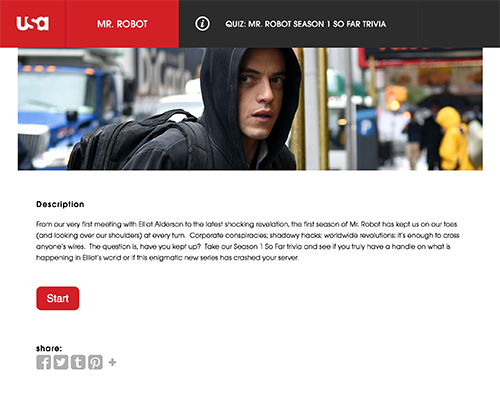
- Trivia: Answer the questions to find out how many you got, what you are.
- Profiler: Answer the questions to find out what character you are.Questions can have text, image, video, and combination of those. Don’t use video that much. Answers can have text, image, text & image.
Can create multiple answer choices and designate the right answer.
Calculating the results:
- Add all values: Range of the values, see the text and images based on the values.
- Count number instanceMust-have
Just the ability to have quiz; Have native, or 3rd party embed, doesn’t matter.
-
Timeline galleryOpen or Close
Goal
Provide chronological, interactive summary or behind-the-scenes and gain traction to the show.
Current Features
Media: Can add videos and images.
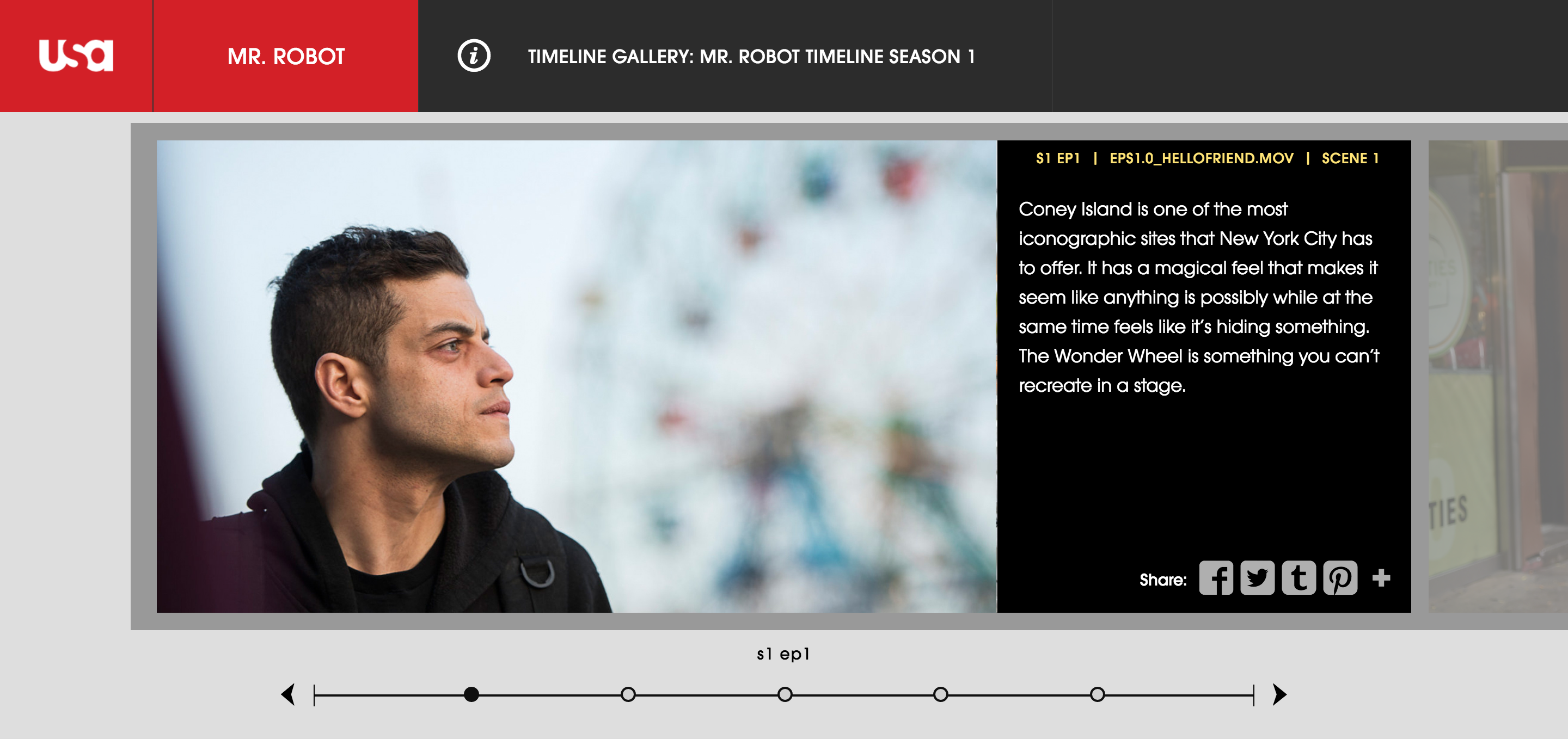
Timeline interface: UI on the bottom to skip through the episode.
Social sharing: Sharing is available on the individual asset.
Lazy-load: Assets are lazy-loaded on the front-end.
Use cases
- Timeline for the season
- Easter eggsPain Point
To share the individual asset, they have to set permalinks.
Other
Not much different from gallery other than visual representation.
The episode and scene markers don’t need to be semantically correct.
Currently has a lot of traction.
-
Top 3 GalleryOpen or Close
Goal
Let users select 3 top images and share them on the social platforms.
Current Features
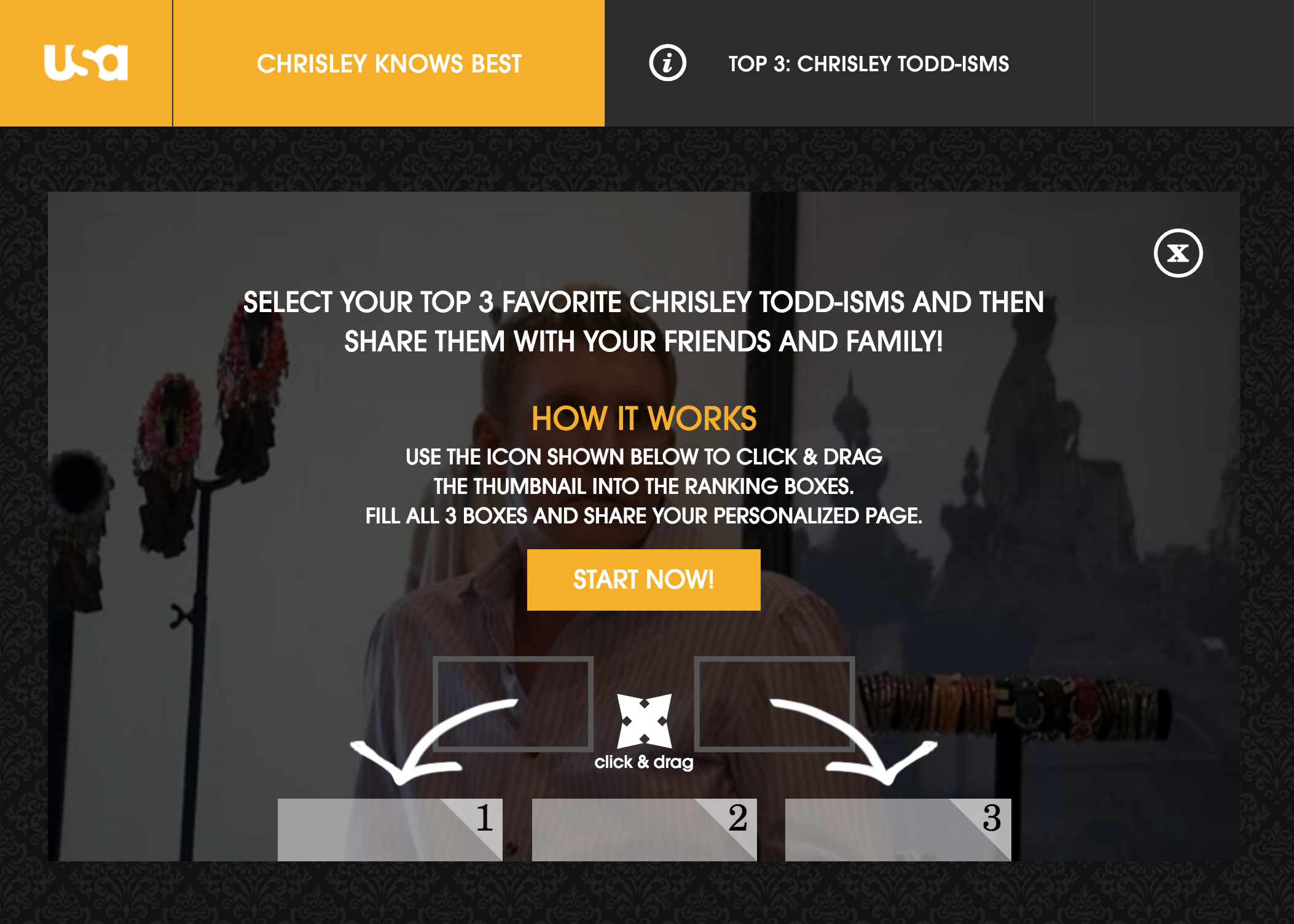
Top 3: Allows you to pick 3 video clips and creates a flatten image of the chosen 3 in the backend.
Social share: User can share their selection. Shared page has 3 videos and CTA to create your own.
Use Cases
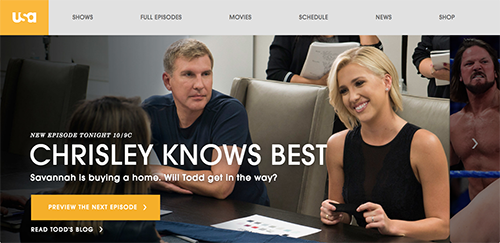
Maybe for competition shows. Don’t have a strong use cases right now, mostly used in reality shows such as Chrisley Knows Best.
Other
Originally designed for award shows.
-
Live TVOpen or Close
Goal
Offer live TV program and related content while the show is playing live.
Current Features
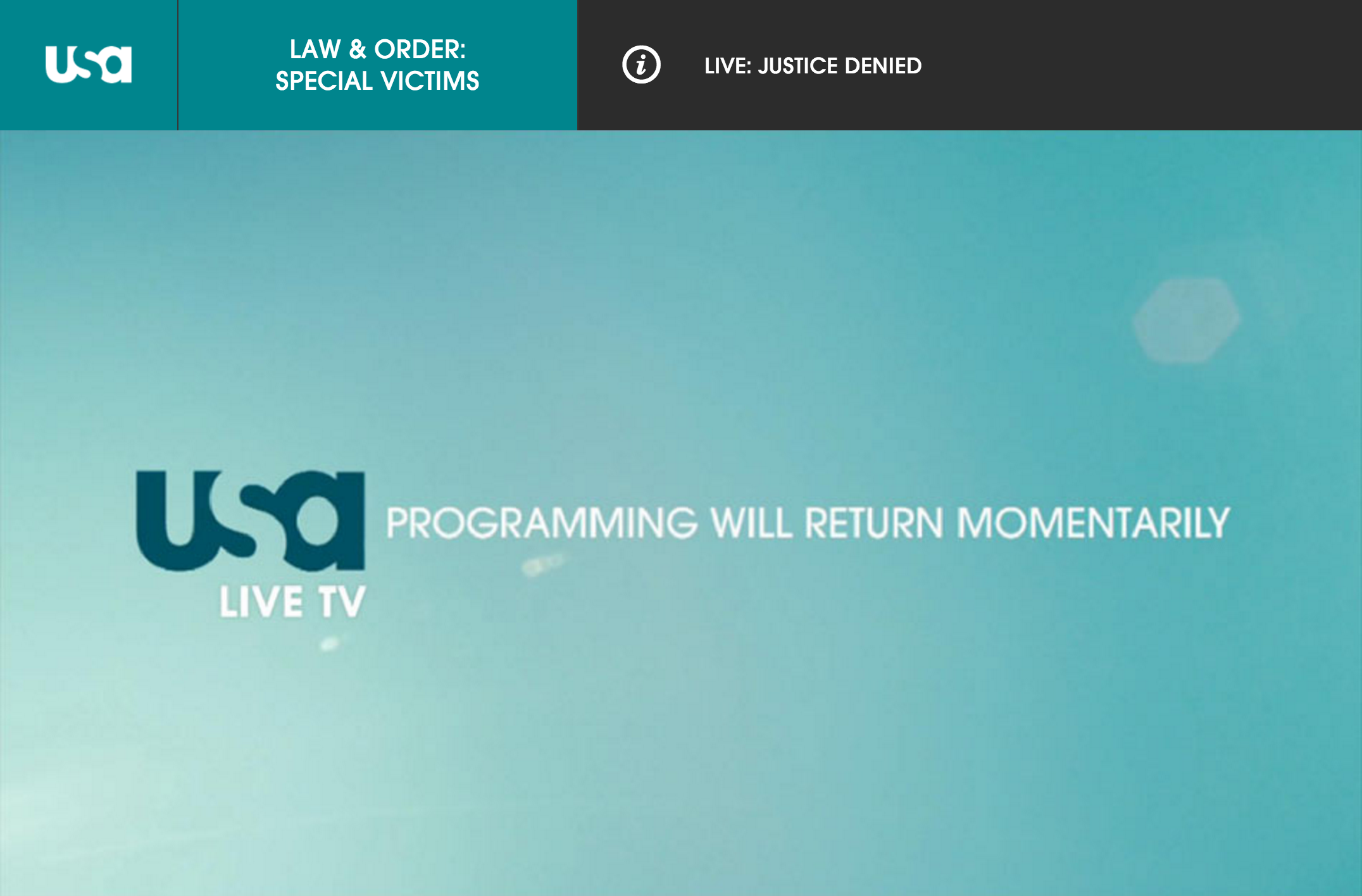
Live progamming: Serve live content based on what’s playing right now.
Related content: Can dynamically serve gallery (recap), quiz.
Association: Associate Live TV content with the show.
Logic: When a specific program is on live tv, show this content.
Use cases
WWE: Currently performs really well.
Pain Points
No monetization: There is no DAI, so they can't monetize on live TV contents. Still get page views.
No control over the duration of the content's appearing: Can’t specify timestamps for the content to appear, and the content is shown throughout the show.
Other
Brand that has this feature: Bravo, Universo, USA
USA has been asked to use the feature in Olympics to point the audience to live TV on NBC.
-
Press SiteOpen or Close
Goal
A secure, digital source of information about a new series for the press release.
Current Features
2 versions:
- Press e-kit site: Occurs before the show; took the code from Syfy.
- FYC (For Your Consideration): Occurs after the show aired.Video assets: Assets could be in MPX. Currently using a subaccount of USA Network for managing separate sunset dates. A lot of the video assets are using Vimeo.
Other
Not high priority, as they have took Syfy's code to utilize.
Used for digital press release, usually show level.
-
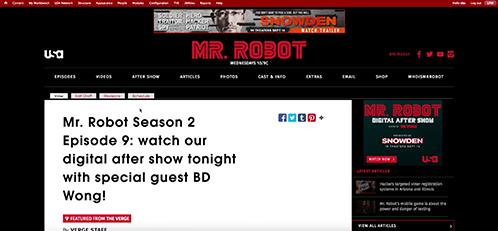
Mr. Robot pageOpen or Close
Redesign Goal
Reskinning a section of Mr. Robot, pulling in content from The Verge.
Feature
Feeds, pull in from the 3rd party
Have pulled RSS in as unpublished blog posts. Producers can adjust the content and publish.
-
Homepage TakeoverOpen or Close
GOAL
-
OtherOpen or Close
Facebook Instance Article
D7 code is ready, D8 might not use the code due to decoupled architecture.
Permission
Everyone in USA is an admin since 2013, since the permission never worked correctly.
Q & A
Q: Where can producers control the FE’s look and feel?
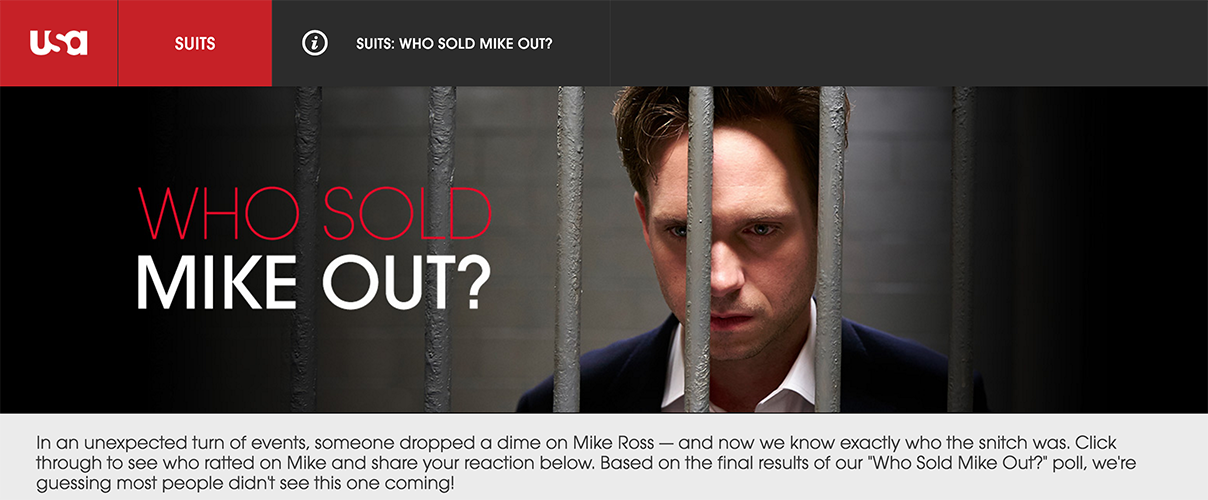
A: All show level. Show color - primary, secondary, tertiary color. Only set one time and never changes. Can be defined in the stylesheet, not backend.Q: Rebranding USA?
A: Not particularly. Updating taglines… No radical change. Programing is changing.
Design-complete
-
Series, Season, Episode GuideOpen or Close
Goal
Promote and display content related to a show and its episodes.
Current Features
Promotions on the landing page: A-spot, Best Of, full bleed promo, latest content, latest episode right rail, etc.
Menu configuration: Episodes, Videos, Photos, Cast & Info, Blog, link to microsites, etc.
Weekly update of contents: Full episode, clips, galleries, episode recaps, blog posts, etc.
Pain Points
There is no dedicated template for shows in the pre-air state with small amount of contents. A temporary redirect is set to the Cast & Info page, which holds about text, series art, and any cast information or trailer available at the time.
The full site template on the front-end is inflexible and doesn't adapt to the amount of contents on the page. Latest Full Episodes right rail would appear as an empty black box without any episode or alternate content assigned to it, and Best Of section needs all 5 items to fill in all the blocks.
New Design
Clear hierarchy & relationship: Series, Season, Episode nodes are created and the relationship among the nodes are specified through Channel Reference field.
Episode node for all episode-related content: Episode node holds all information related to the specific episode. The Long Description field of the node holds the Episode Recap, and any full episode and clips related to the episode will be associated in the Media card of the Episode.
-
MoviesOpen or Close
Goal
Offer viewers the information about the movie and full movie video.
Current Features
Full Movie: Movie playback with authentication
Movie Information: Title, key art, promotional phrase, description, tune-in information etc.
Must-have
Full feature: Movie pages should be as full-featured as a show page could be.
New Design
Full capability: Movie node has the same full capability as a Series node. There are different-length description and Subhead fields for text as well as Media card that would hold the key art and related videos, both long-form and short-form.
-
Homepage CurationOpen or Close
Goal
Inform the visitors of the latest content the tune-in time of the day on USA Network
Current Features
Multiple Promotional Area: A-spot, full-bleed promo, original shows, latest full episodes, what's hot, everyone's talking about, etc.
New Design
Collection & Collection Group: Promotional areas that are manually curated, e.g. A-spot, full-bleed promo, original shows, etc., would be serviced by the Curated Collection content type. Dynamically updated shelf such as Latest Full Episodes would be serviced by the Dynamic Collection with the set rules (TBD).
Decoupled CMS: Design and display of the Collections would be determined by the front-end application based on the order of the Collection within the Collection Group and context where the Collections Groups are associated at.
-
Promo & Full-bleed PromoOpen or Close
Goal
Promote latest information and updates in a prominent and visual manner.
Current Features
Basic Promo features: Promotional text, image, call-to-action links
New Design
Multi-purpose Promo Content Type: Promo Content Type would be used for all types of promo content. The display and design would be determined by the front-end application based on the order and context.
-
Media GalleryOpen or Close
Goal
Sequentially present the images and captions of a series.
Current Features
Basic Gallery features: Title, images, captions, association, gallery type, etc.
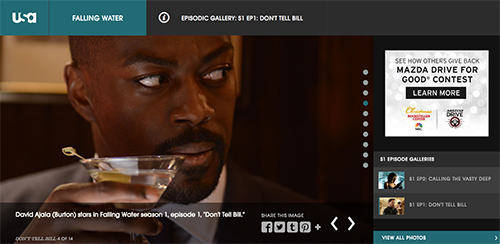
Social Sharing: Ability to share a single image or the entire gallery to social media
Pain Point
It is difficult to rearrange the items. Dragging and dropping is very slow, and negative numbers on row weights don't make sense.
New Design
Basic Gallery features, including contextual captions: All the basic features of gallery remain, with contextual caption to the gallery that doesn't affect the metadata caption.
Easy Rearranging: The grid display of the gallery items makes it easier to visually see the order. The number reordering also automatically keeps all the numbers positive.
-
PostOpen or Close
Goal
Offer detailed news and latest information about a show with text and multimedia.
Current Feature
Basic Post Feature: Title, author, body text
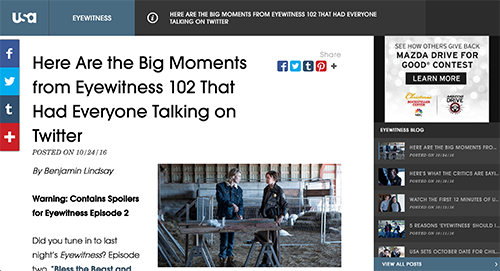
Rich Text Editor: Full rich text editing capability on the body text, including styling the text, hyperlink, and embeds
Social Sharing: Ability to share the post to social media
Pain Point
Producers need to use raw code when embedding social media or external embeds.
New Design
Rich Text Editor: Full rich text editor capability with componentized assets to embed, e.g. images, videos, MPX videos, galleries, etc.
Listicle as a Component: Listicle component that can be easily created and embedded in the CMS and styled by the front-end application
-
Actor & Character BiosOpen or Close
Goal
Display the information of the actors of and their character of a series.
Current Feature
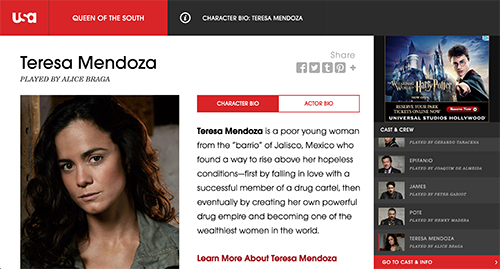
Basic Bio Feature: Character & Actor names, photos, biographical text
Rich Text Editor: Full rich text editing capability on the biography, including styling the text, hyperlink, and embeds
Social Sharing: Ability to share the specific character & actor bio to social media
New Design
Separate Person & Role Content Type: There are separate nodes for actors and characters saved in the CMS, which can be reused when an actor appears in multiple shows of the network. This also allows to associate multiple roles to an actor and vice versa.
Season-level Association: Person and Role nodes are coupled with one another in a Season level, in case there are different set of cast or different art used per season.